

Alternate Products
Our latest content
Check out what's new in our company !
NSPanel Pro Gen2 smart home control panel
Live Your Smart Life
what it should be

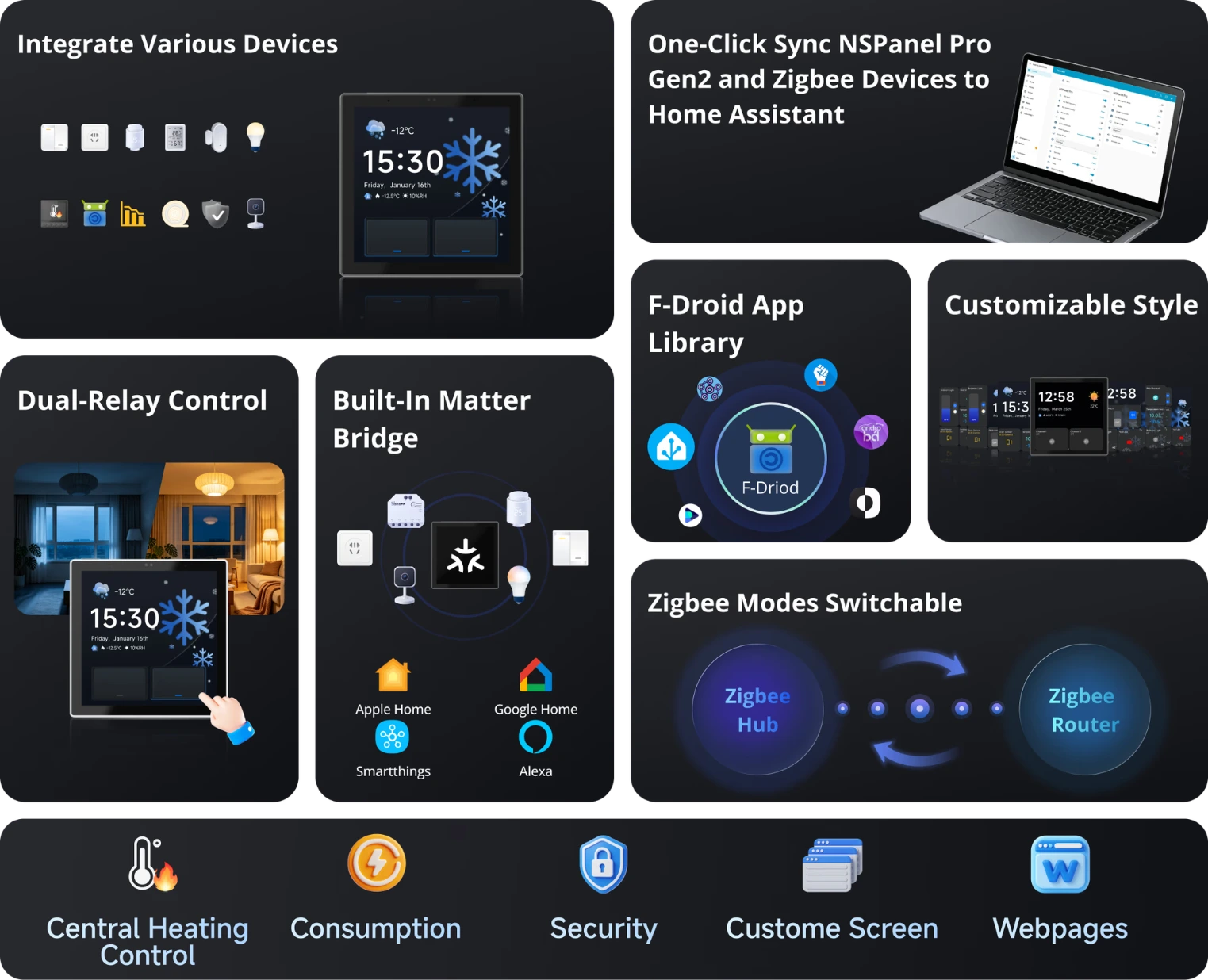
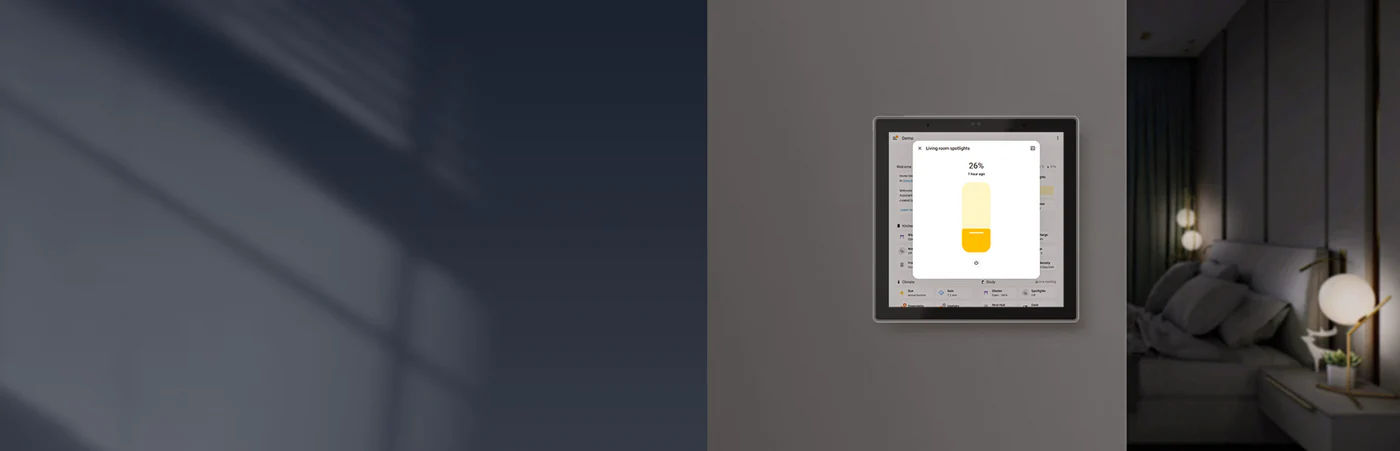
NSPanel Pro Gen2 as
Your Home Assistant
Dashboard
Download the official Home Assistant
app via F-Droid, connect it to your
Home Assistant Server, and enjoy
centralized smart home management
with intuitive, at-a-touch control.
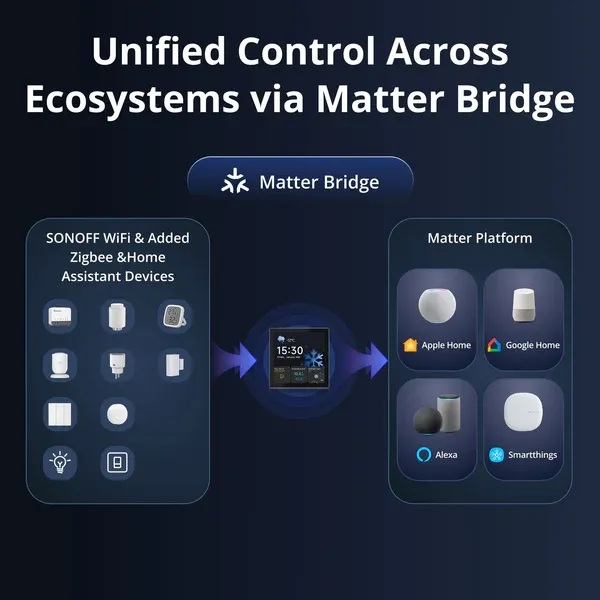
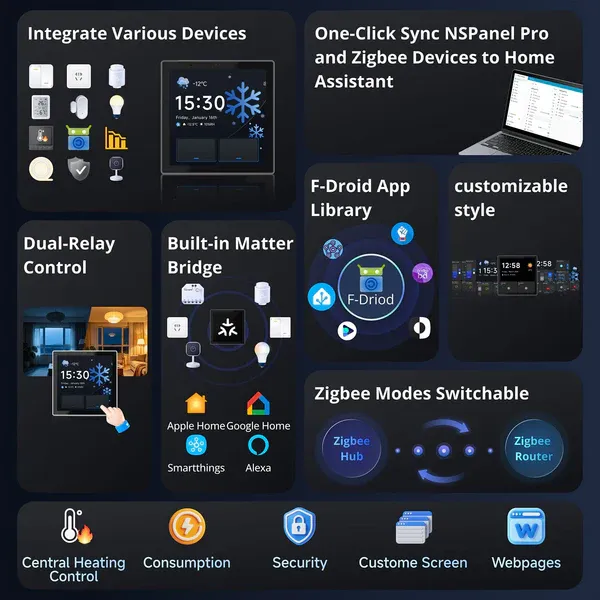
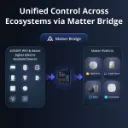
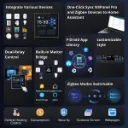
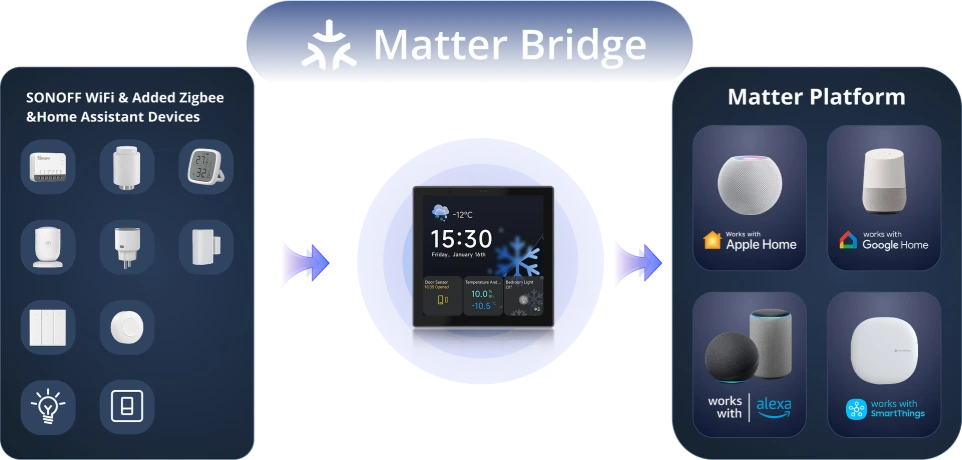
Unified Control Across Ecosystems via Matter Bridge
By scanning the Matter pairing code, you can synchronize and centrally control both the WiFi and Zigbee devices from your eWeLink account as well as devices from Home Assistant on the Matter platform, enabling effortless cross-ecosystem, seamless connectivity.
*For a detailed support list, please see the link :
https://www.sonoff.in/blog/product-guides-3/nspanel-pro-supported-devices-list-55
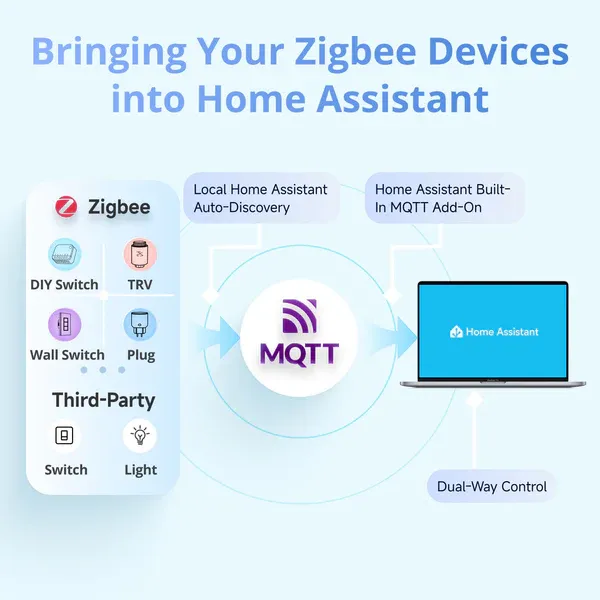
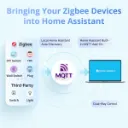
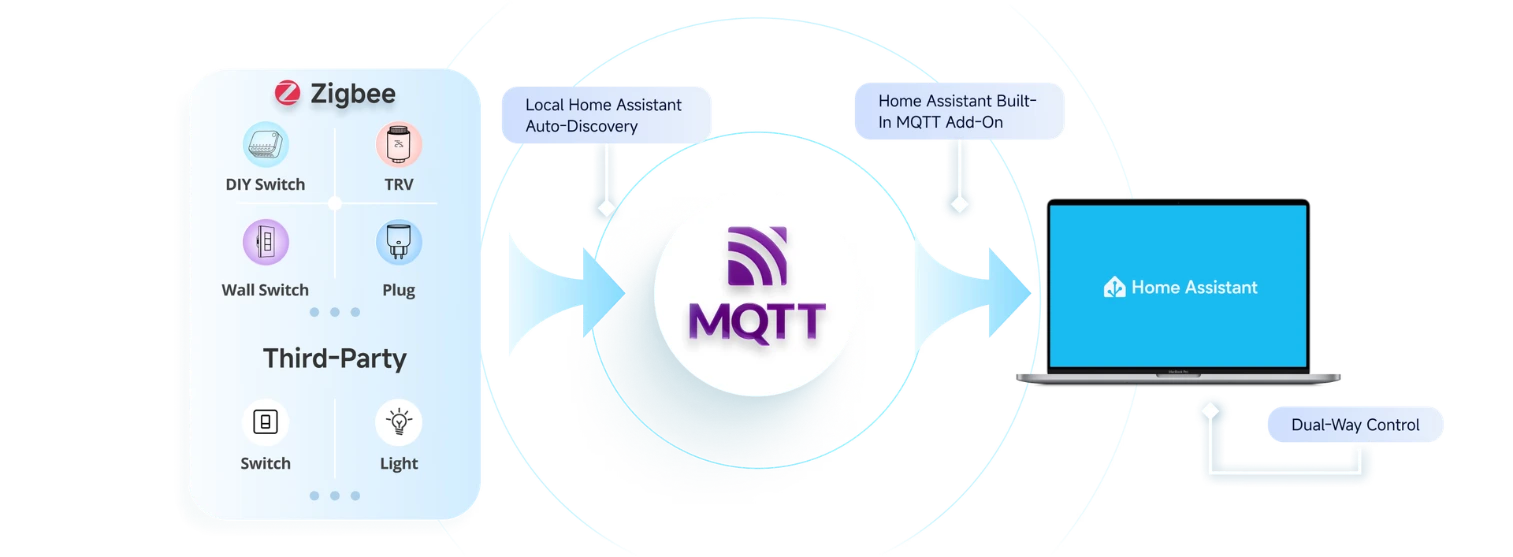
Bringing Your Zigbee Devices into Home Assistant
By scanning the Matter pairing code, you can synchronize and centrally control both the WiFi and Zigbee devices from your eWeLink account as well as devices from Home Assistant on the Matter platform, enabling effortless cross-ecosystem, seamless connectivity.
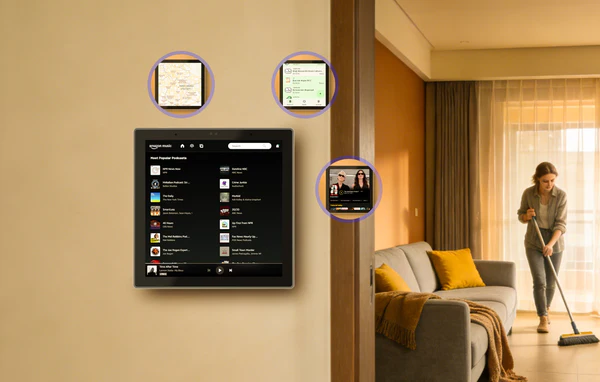
------- 01
Navigate Smart Living with Ease
F‑Droid is a free and open‑source app store that offers ad‑free, privacy‑respecting applications verified by the open‑source community. Covering personalized and creative apps, it lets you effortlessly enrich your life with NSPanel Pro Gen2.
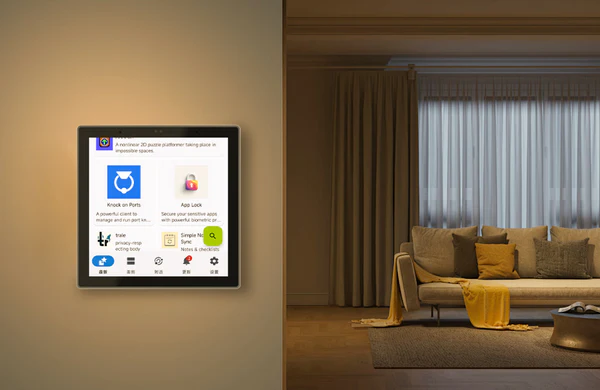
------- 02
Set Any Third- Party App as Home App
The "Apps" feature allows you to set any third-party app as the Home App while keeping NSPanel Pro Gen2 running in the background.
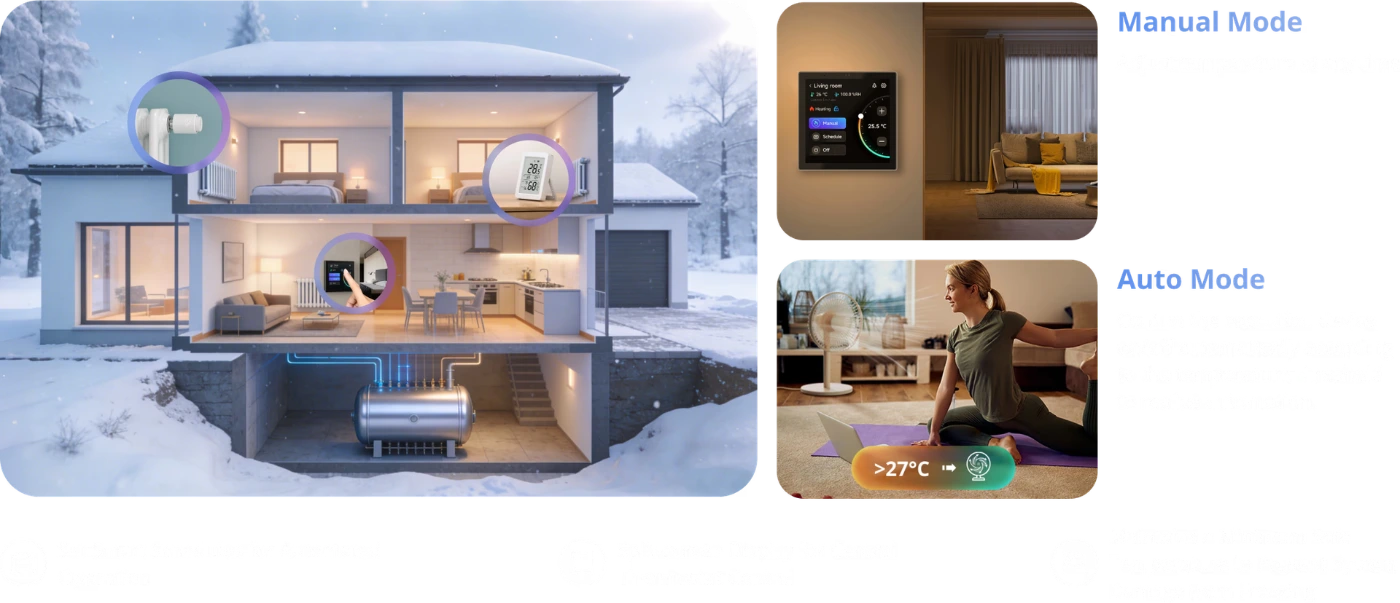
Smart Central Temperature Control, Make Life Easier
A single panel provides panoramic monitoring of temperature and heating status across all rooms, managing the whole-house heating system to deliver constant comfort to every space—achieving the ideal living climate through a truly integrated whole-home temperature control system.
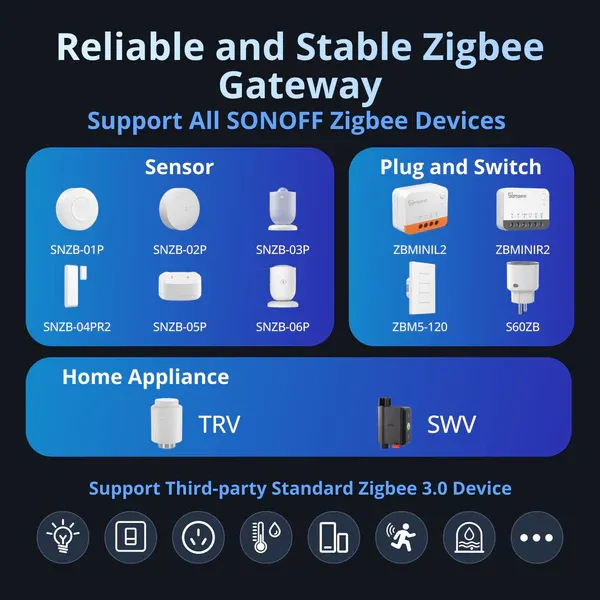
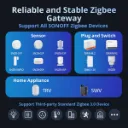
Reliable and Stable Zigbee Gateway
Powered by 2 standard AAA batteries, with a battery life of up Quickly add Zigbee devices on the screen in batches. Standard Zigbee 3.0 protocol makes the connection more stable and the coverage wider. Added sub-devices can be voice controlled by working with Alexa, Google Home, and more.to 2 years — no wiring, no charging, just quietly guarding.
Support All SONOFF Zigbee Devices
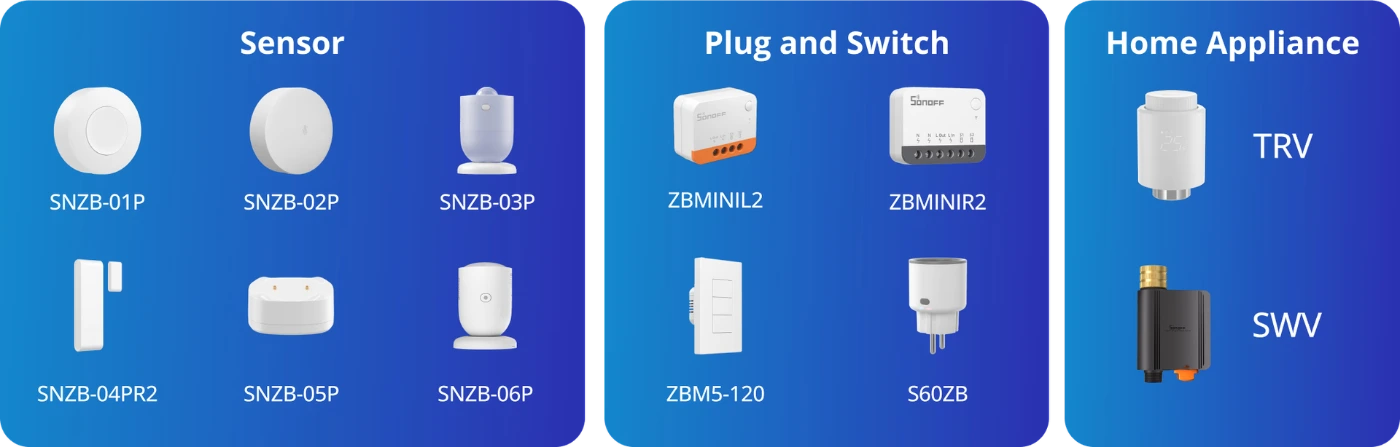
Support Third-party Standard Zigbee 3.0 Device

*For a detailed support list, please see the link :
https://www.sonoff.in/blog/product-guides-3/nspanel-pro-supported-devices-list-55
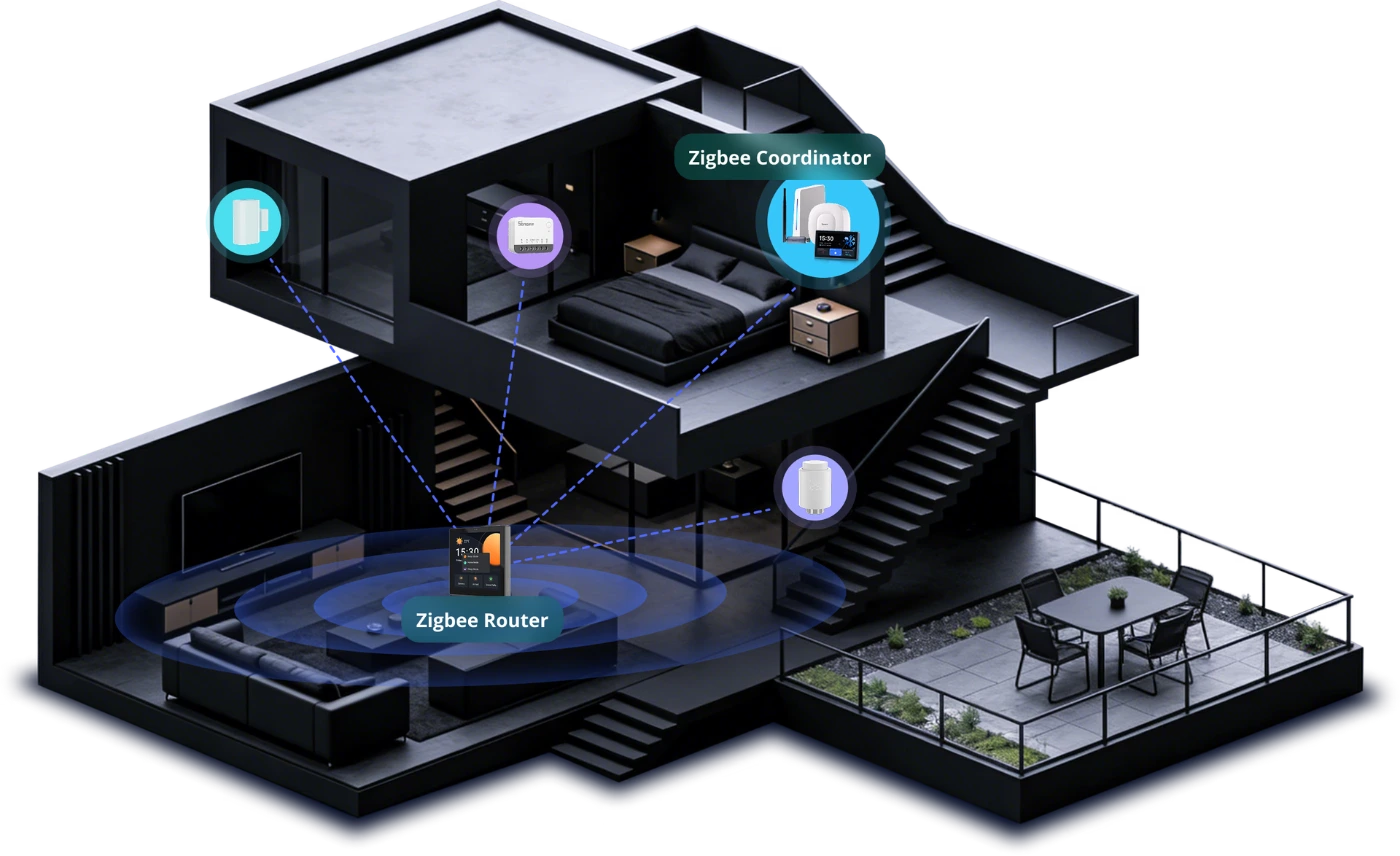
Zigbee Router Mode
Support Zigbee router mode to forward the gateway's signal to Zigbee sub-devices, extending the coverage of the gateway signal.
*When switch to this mode, adding Zigbee sub-devices and executing local scenes will no longer be possible.
Explore Richer Functions
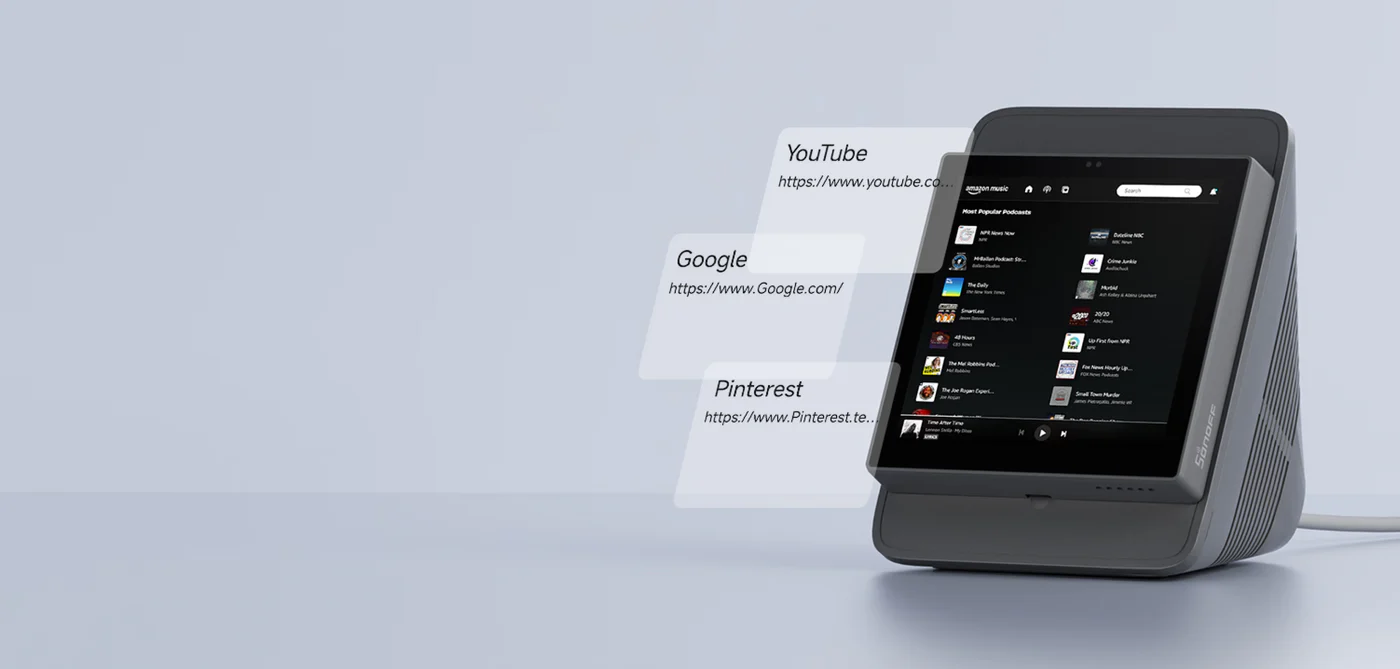
in Webpages
Listening to music, watching videos, or
checking out the latest advice? Save
t he address in NSPanel Pro Gen2's
Webpages, start it quickly with one click,
and relax at any time.
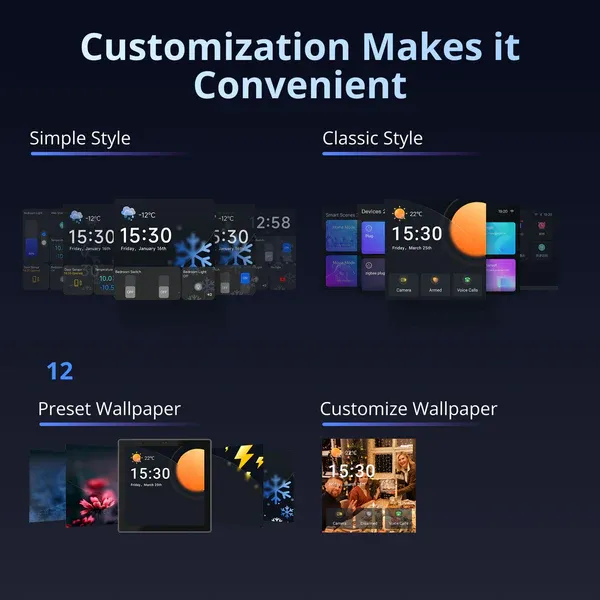
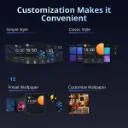
Customization Makes it Convenient
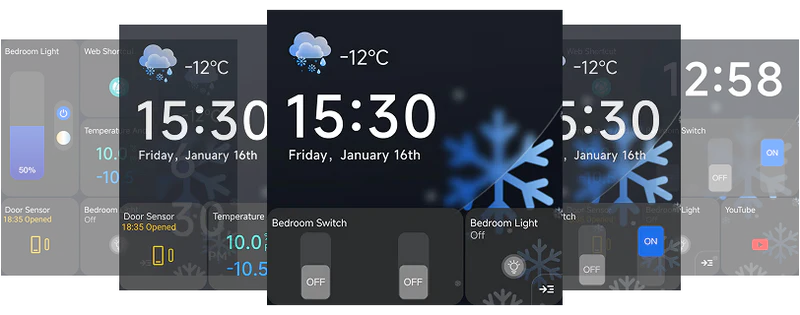
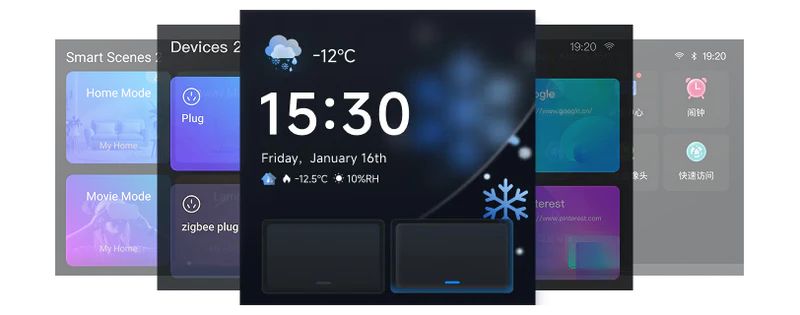
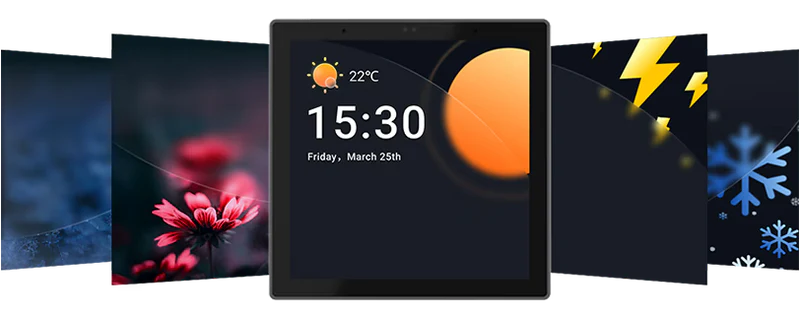
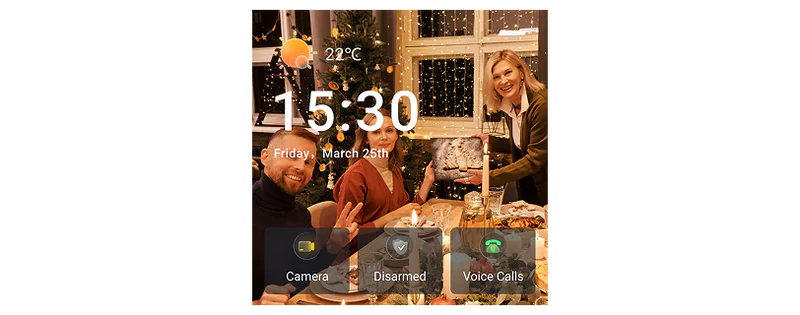
You can freely customize the home screen style or wallpaper of the NSPanel Pro Gen2,
creating an attractive interface that makes your daily use more convenient.
Customize Your Home Security Mode
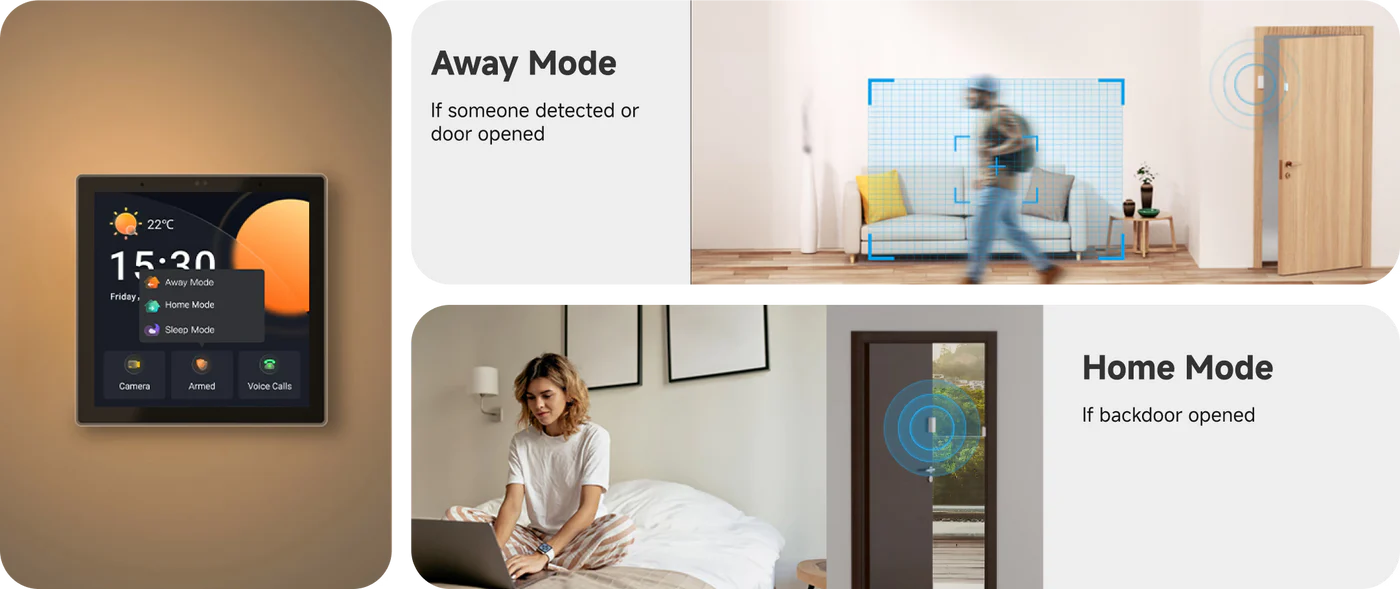
Customize 3 modes by setting different arming devices. After arming, once the sensor is triggered,
the panel will alarm, and you will receive a notification alert on the phone.
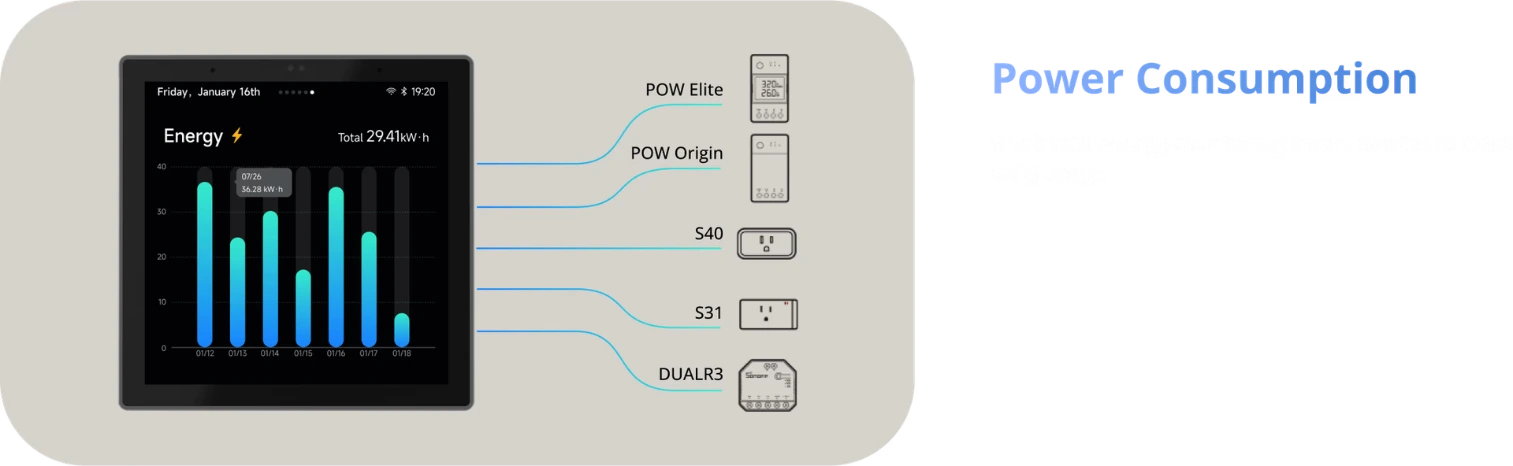
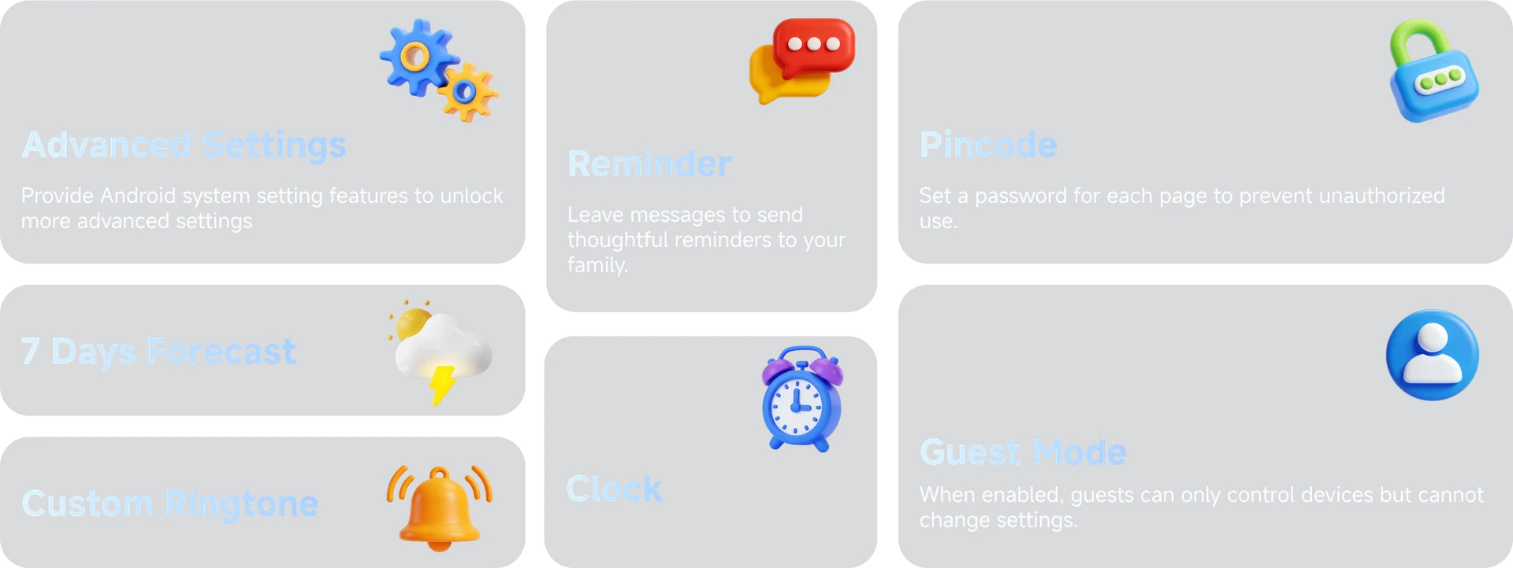
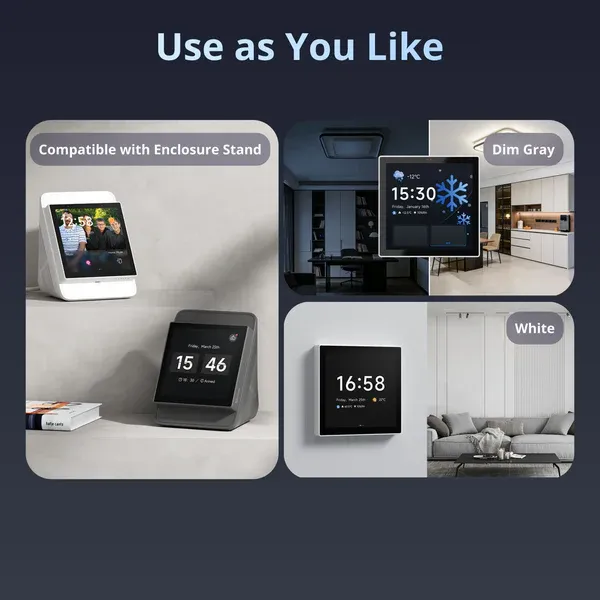
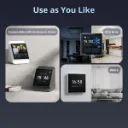
Use as You Like
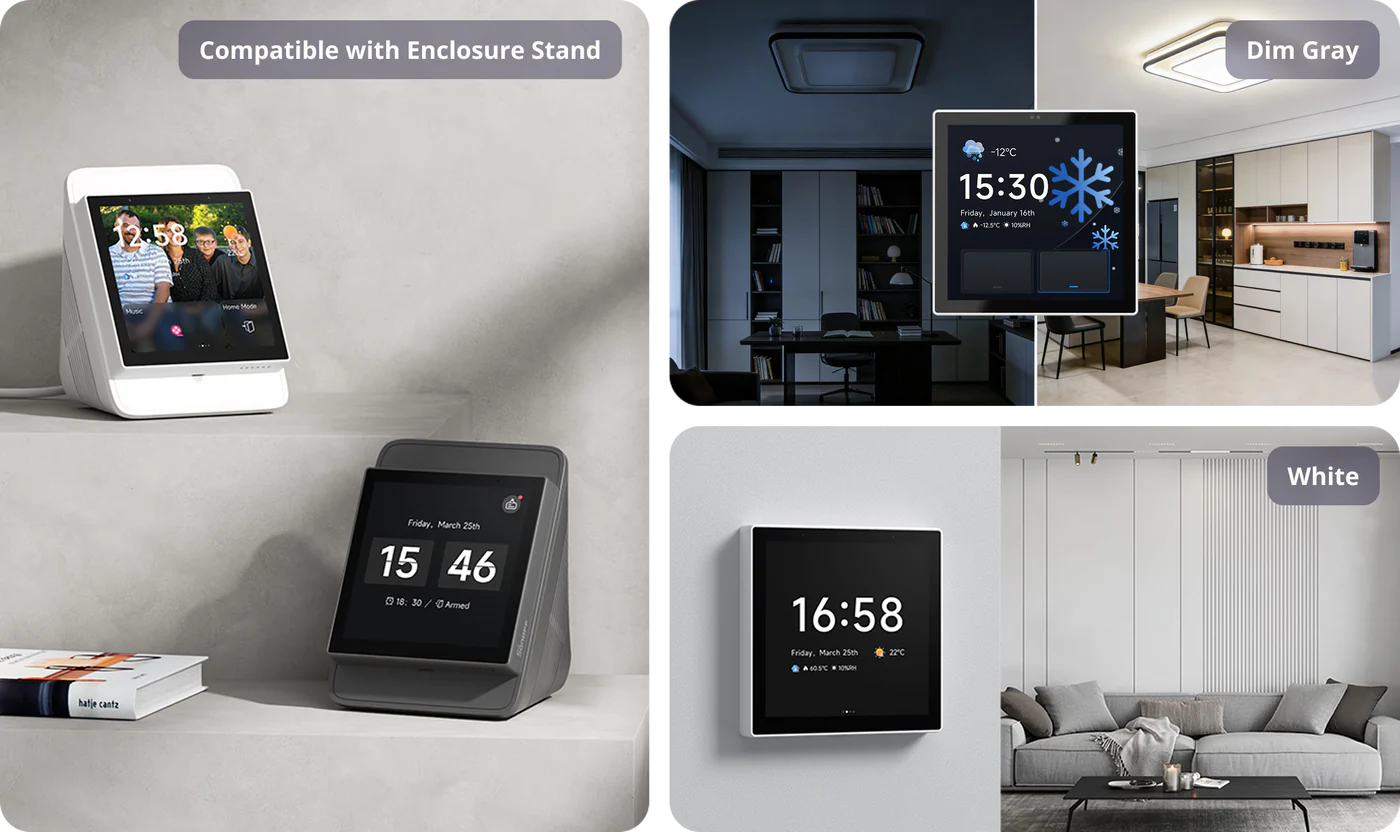
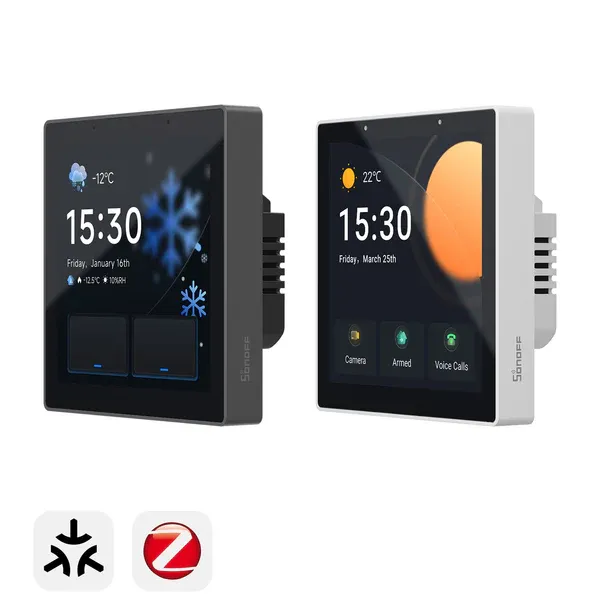
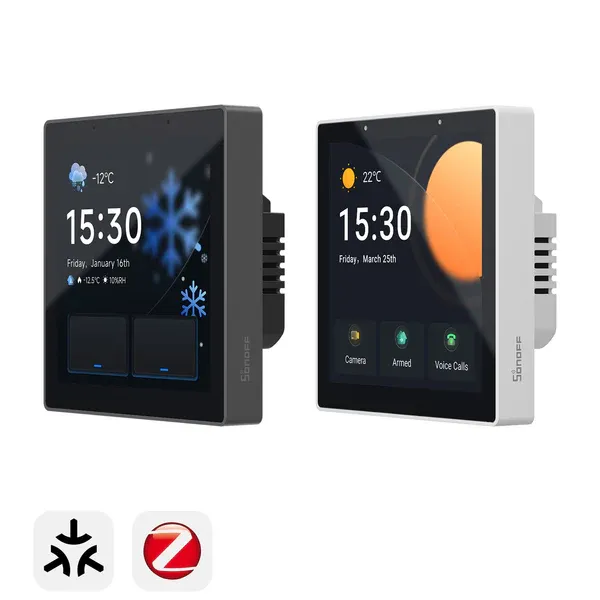
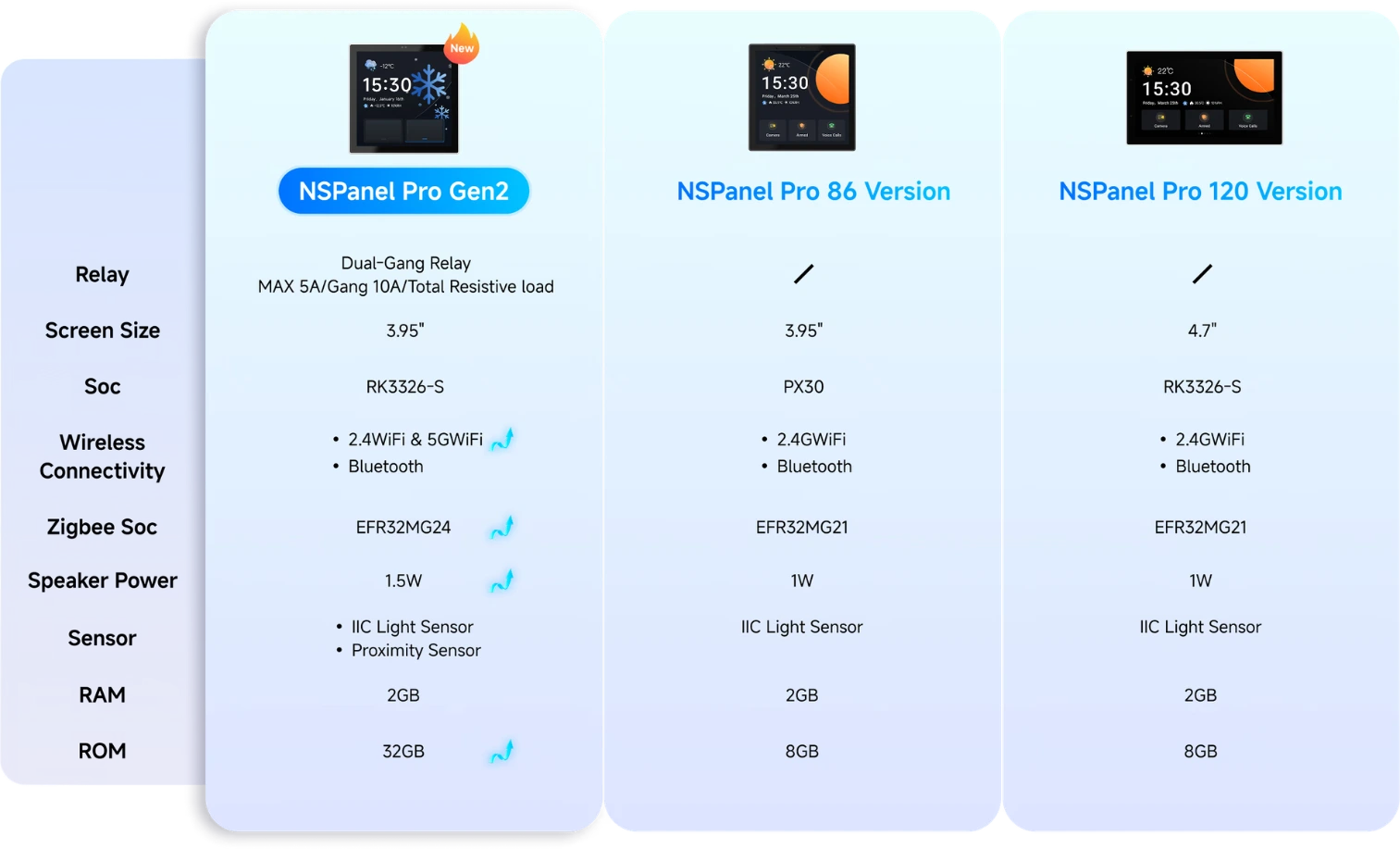
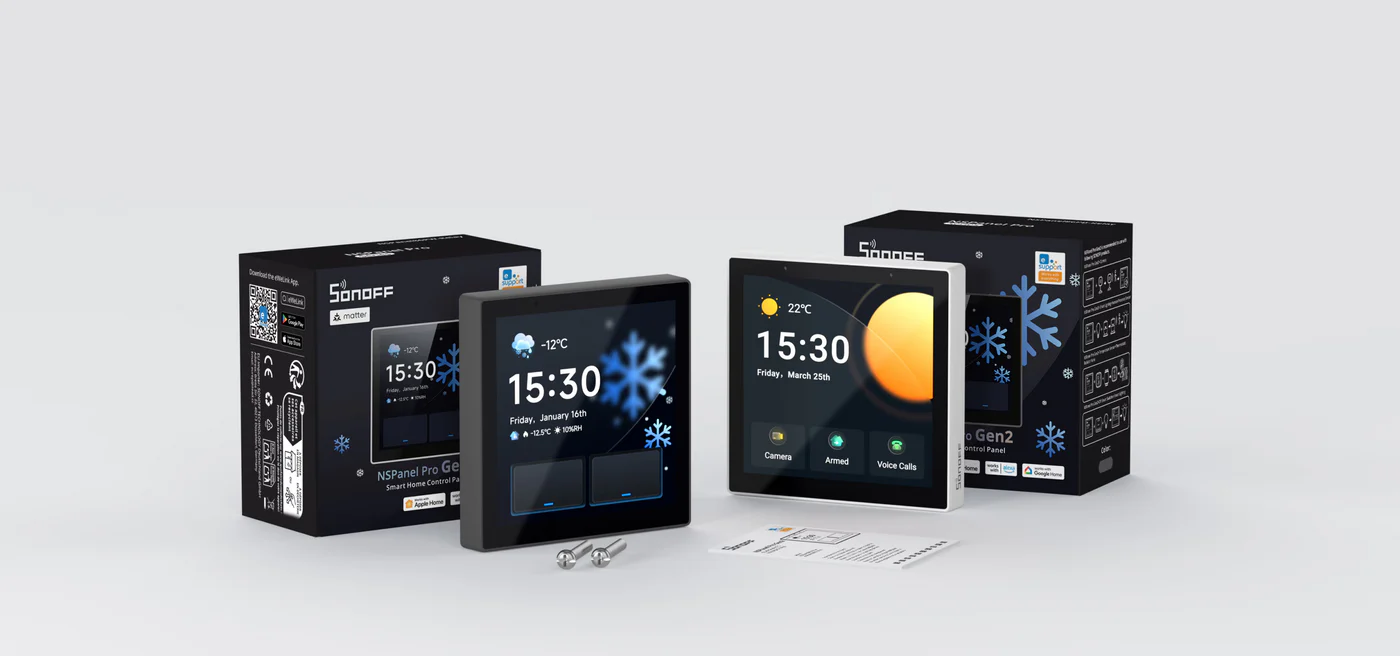
Multiple NSPanel Pro Gen2 Options Available for You
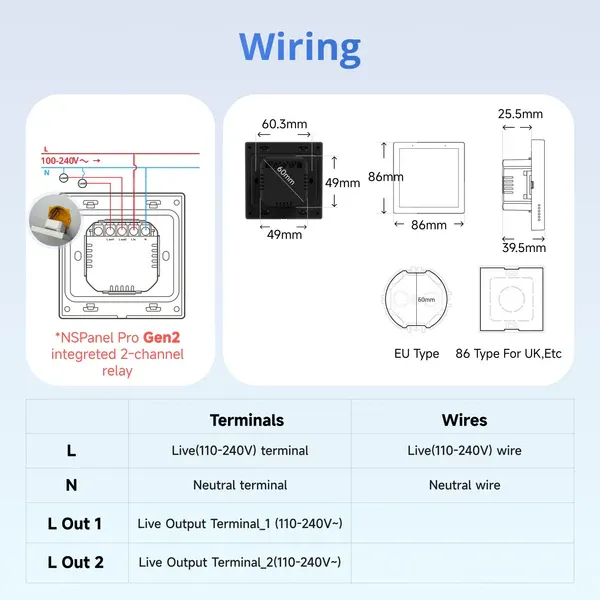
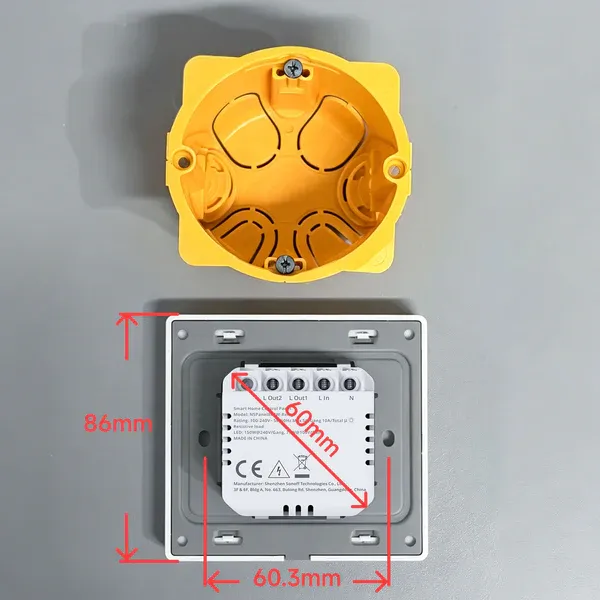
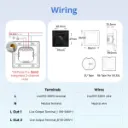
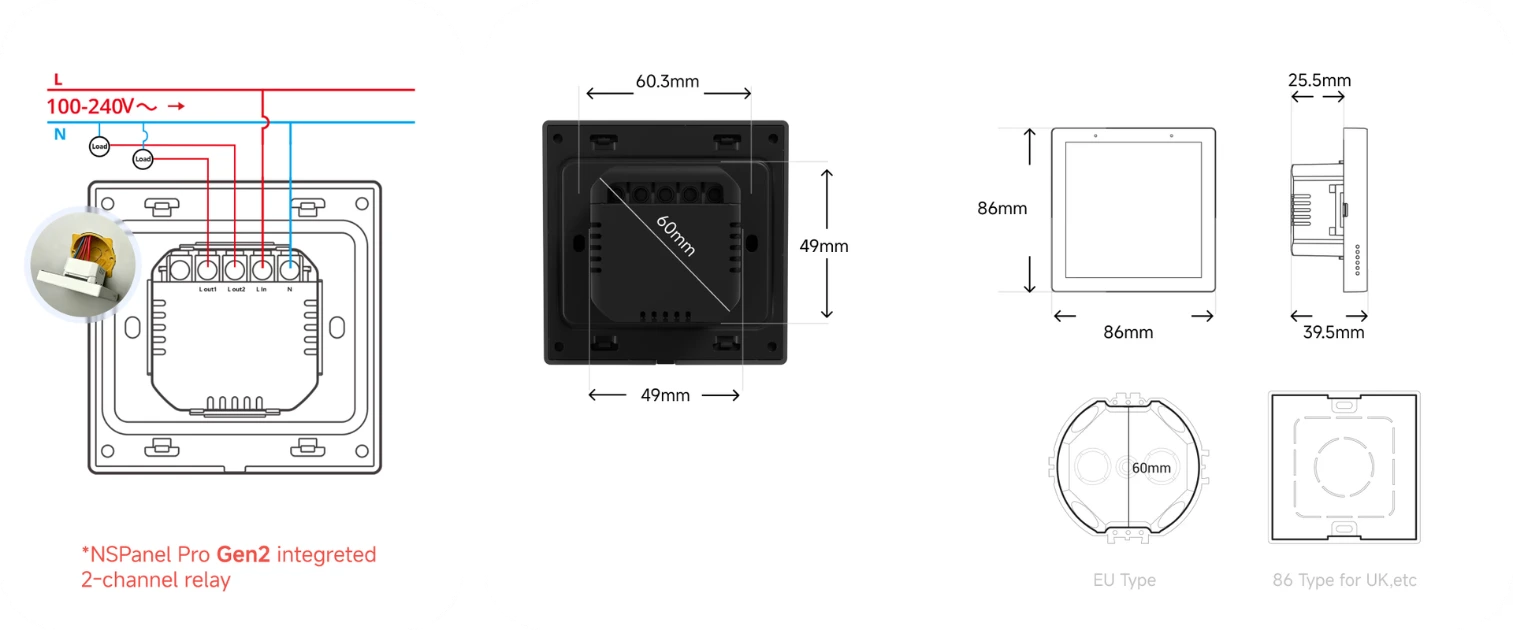
Wiring

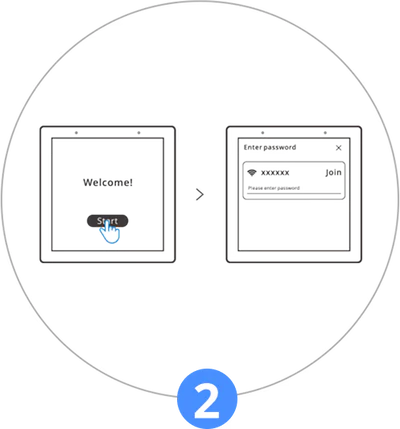
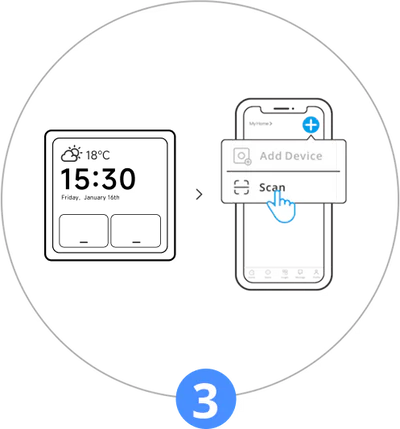
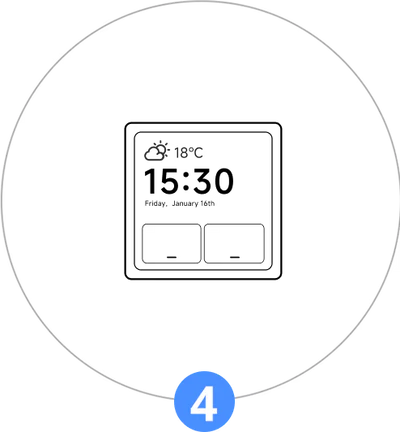
Quick Start
*Support connect to 2.4G or 5G Hz Wi-Fi
Packages
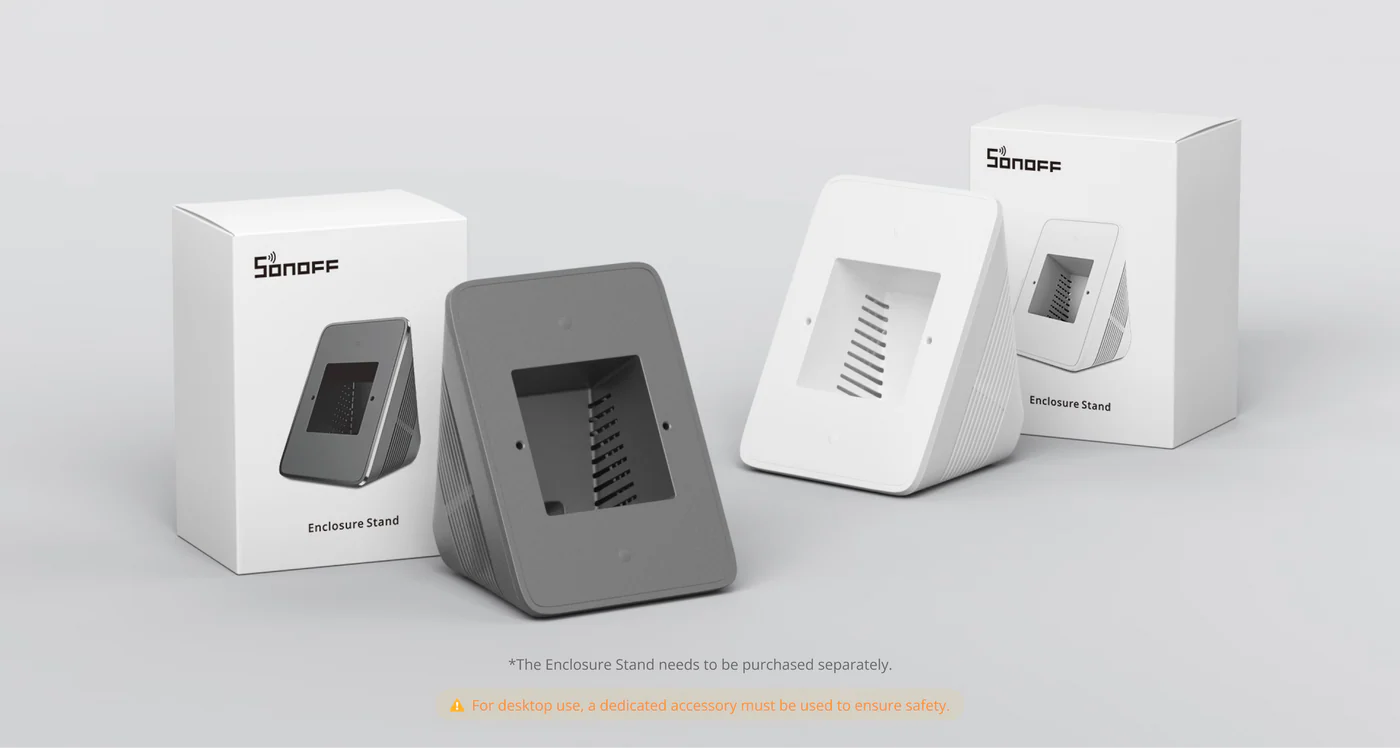
Accessories
Specs & User Manual
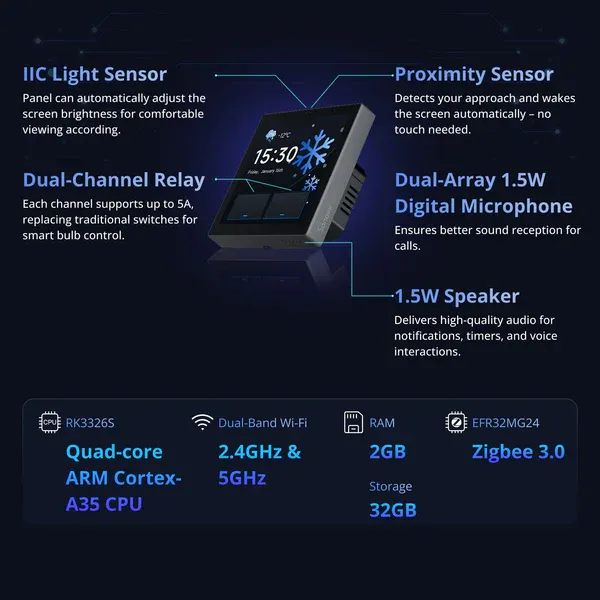
NSPanel Pro Gen2 is a next-generation powerful smart control panel for modern smart living. Powered by 2GB RAM and 32GB storage, it smoothly runs Home Assistant and other apps—just download via F-Droid, no root needed. With a built-in Matter Bridge, Matter Hub, and Zigbee Hub, it effortlessly unifies devices across different ecosystems into one seamless experience. Its 2-channel relay makes upgrading existing switches simple, with no rewiring required. Paired with dual-band Wi-Fi, smart temperature control, and energy monitoring, it helps create a more connected, convenient, and comfortable home.
| Model | NSPanel86PB-Relay / NSPanel86PW-Relay |
| Product Series | NSPanel Pro Series |
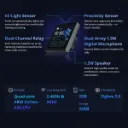
| CPU | Quad-core ARM Cortex-A35 CPU |
| GPU | Mali G31-2EE GPU |
| SoC | RK3326-S |
| RAM | 2 GB |
| ROM | 32 GB |
| Rated Input | 100–240V AC, 50/60Hz |
| Rated Load | Max. 5A/Gang, 10A Total (Resistive Load) |
| Wireless Connectivity | Wi-Fi IEEE 802.11 b/g/n/ac/ax (2.4GHz & 5GHz), Zigbee 3.0 |
| Screen Size | 3.95-inch Capacitive Touch Panel |
| Screen Resolution | 480 × 480 pixels |
| Audio Output | 8Ω, 1.5W Speaker |
| Microphone | Dual-Channel Digital Silicon Microphones |
| Light Sensor | Automatic brightness adjustment based on ambient light (IIC Light Sensor) |
| Net Weight | 190 g |
| Working Temperature | -10°C to 40°C |
| Working Humidity | 10%–80% RH (Non-Condensing) |
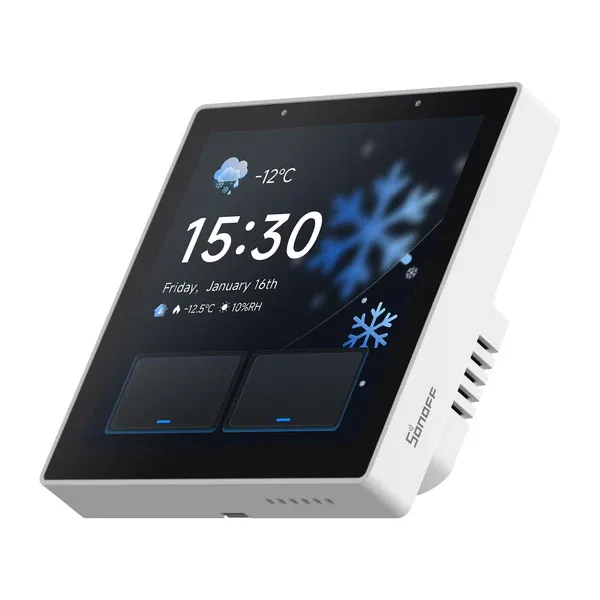
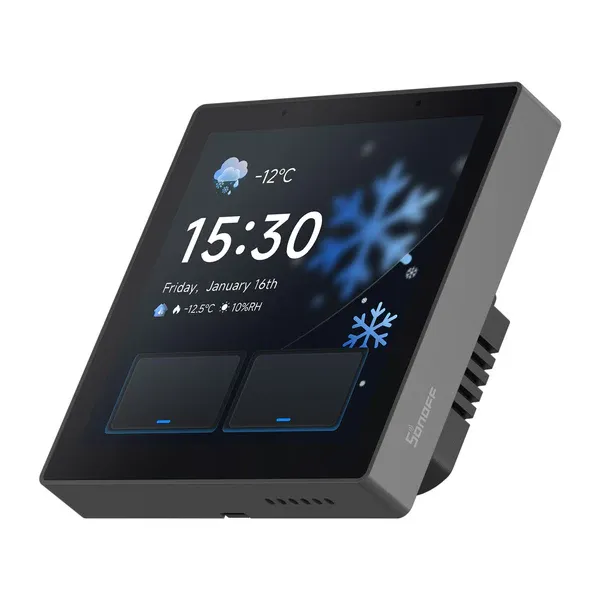
| Color | NSPanel86PW-Relay: WhiteNSPanel86PB-Relay: Dim Gray |
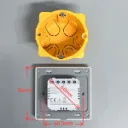
| Product Dimensions | 86 × 86 × 39.5 mm |
| Casing Material | PC + CRS |
FAQ
It supports adding Wi-Fi devices under an eWeLink account through the "Split-Screen Setup".
It supports adding Light Smart Sub-devices.
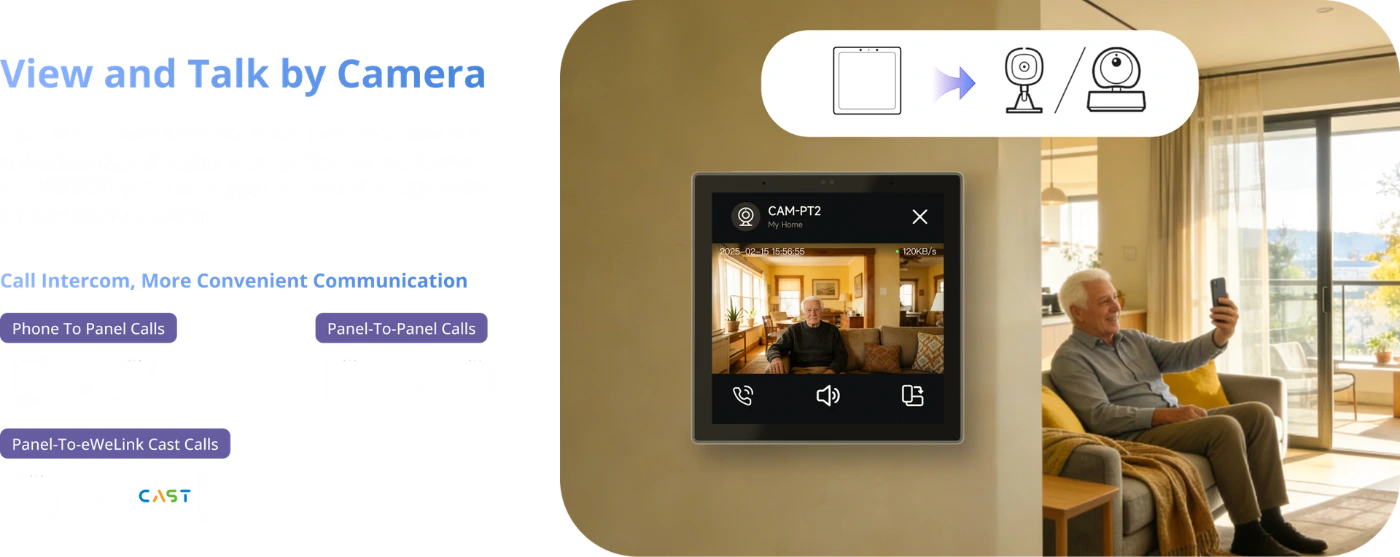
It supports adding cameras: SONOFF cameras, RTSP/ESP32 cameras, and eWeLink cameras.
*For a detailed list of supported devices, please click the blog post link:
https://www.sonoff.in/blog/product-guides-3/nspanel-pro-supported-devices-list-55
As a Zigbee Hub, it can add Zigbee sub-devices from any brand, which are then displayed directly on the panel.
As a Zigbee Router, it can act as a repeater to extend the signal coverage of a Zigbee Hub.
Yes. Home Assistant or other third-party APPs can be set as the Home App. NSPanel Pro Gen2 will then launch them upon startup without affecting the use of its own functions (such as scenes, security, alarms, Zigbee modes, etc.).
Yes. It supports custom ringtones, wallpapers, and screensavers. Users can upload and configure their preferred ringtones and wallpapers. The home screen supports configuring device widgets of different sizes and customizing split-screen layouts.
Yes. It supports custom ringtones, wallpapers, and screensavers. Users can upload and configure their preferred ringtones and wallpapers. The home screen supports configuring device widgets of different sizes and customizing split-screen layouts.
Specifications
| Brand | Sonoff |
Our latest content
Check out what's new in our company !