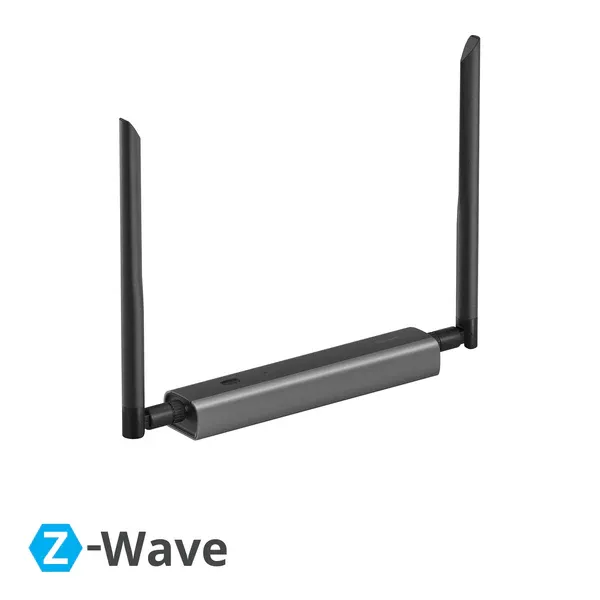






SONOFF Dongle Max
Dongle-MZG23

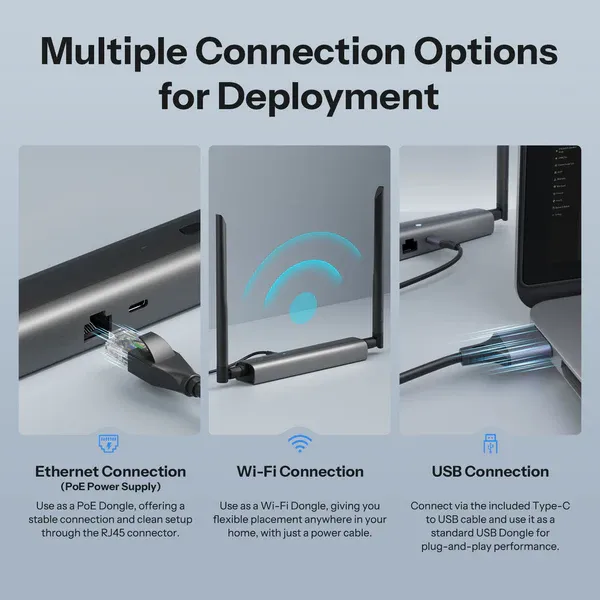
Multiple Connection Options
for Deployment
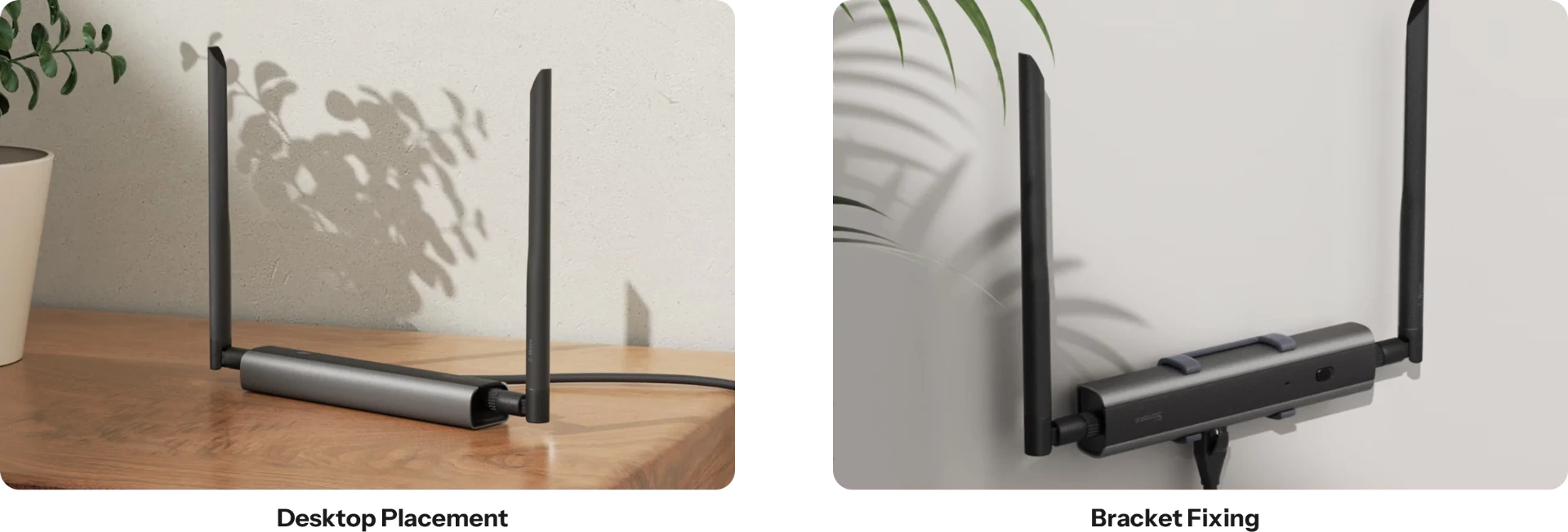
Z-Wave 800 Dongle Max supports Ethernet, Wi-Fi, and USB connections, giving you the freedom
to install it wherever you need Z-Wave coverage, whether it's the living room, bedroom, or even the basement.
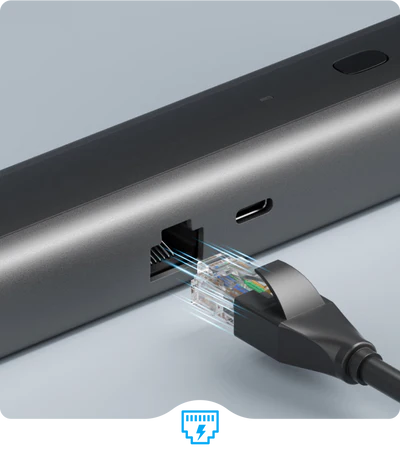
Ethernet Connection (PoE Power Supply)
Use as a PoE Dongle, offering a stable connection and clean setup through the RJ45 connector.
Use as a PoE Dongle, offering a stable connection and clean setup through the RJ45 connector.
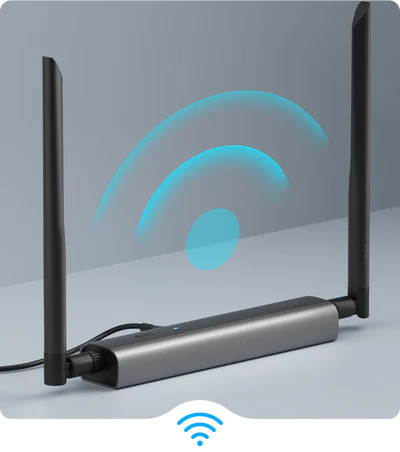
Wi-Fi Connection
Use as a Wi-Fi Dongle, giving you flexible placement anywhere in your home, with just a power cable.
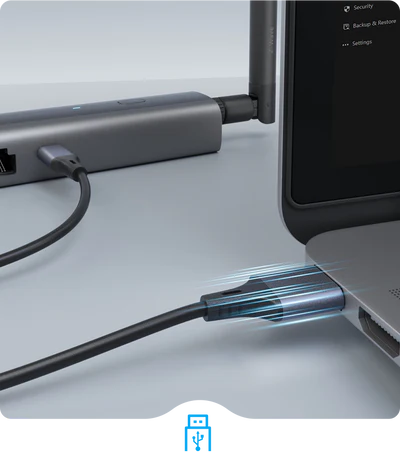
USB Connection
Connect via the included Type-C to USB cable and use it as a standard USB Dongle for plug-and-play.
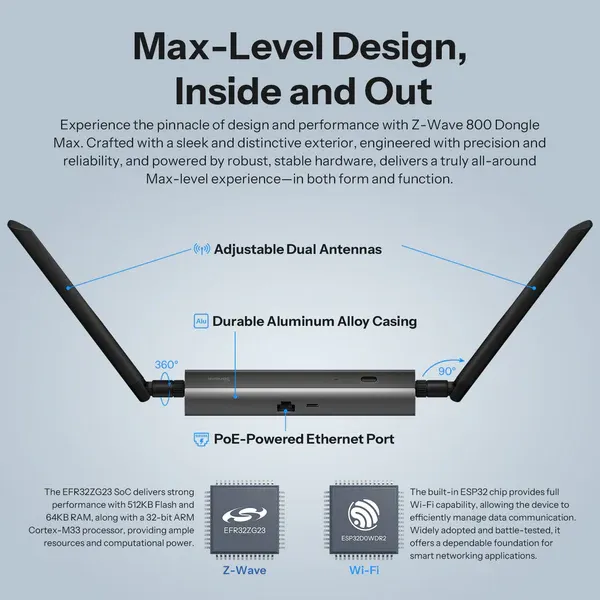
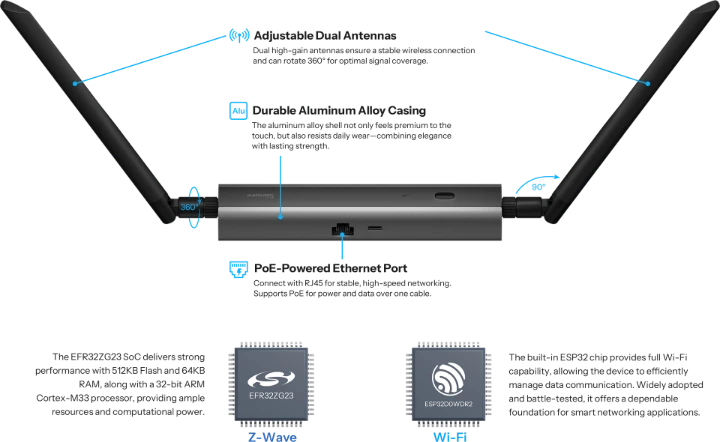
Max-Level Design, Inside and Out
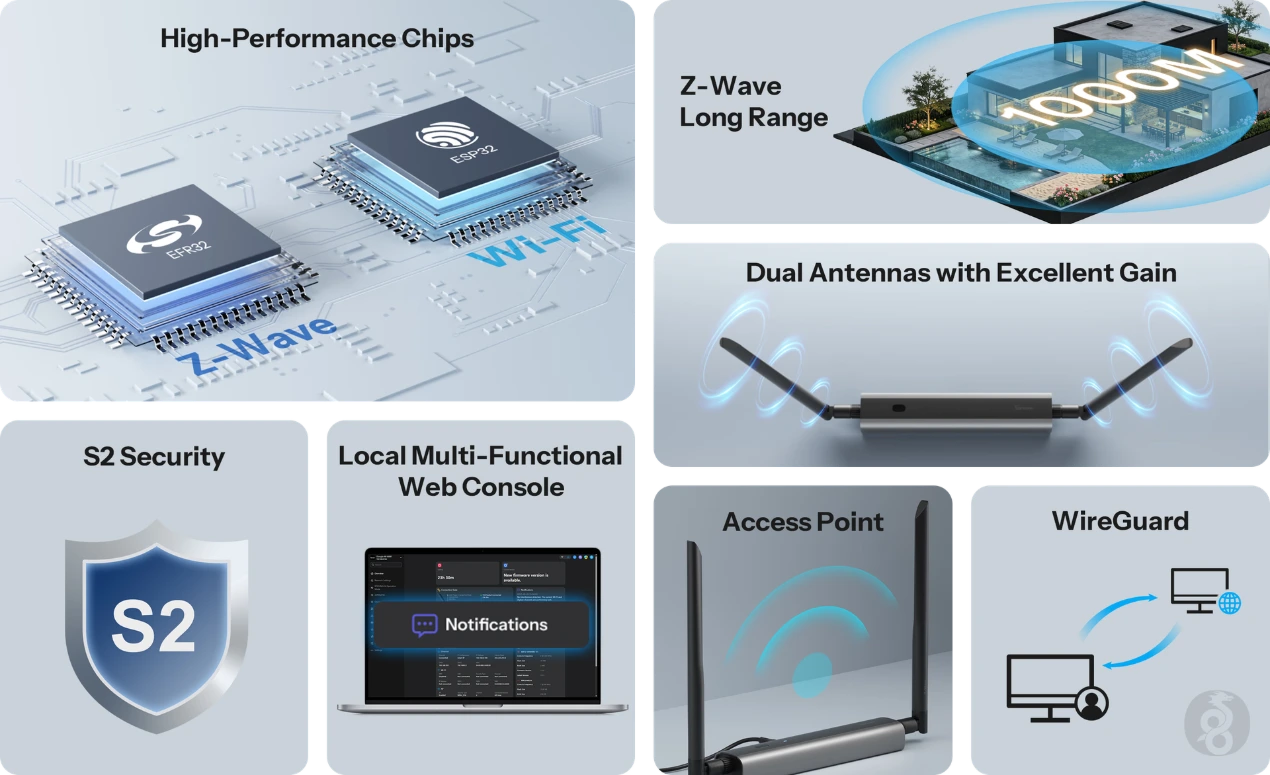
Experience the pinnacle of design and performance with Z-Wave 800 Dongle Max. Crafted with a sleek and distinctive exterior,
engineered with precision and reliability, and powered by robust, stable hardware, delivers a
truly all-around Max-level experience—in both form and function.
Stable & Secure
Z-Wave Protocol
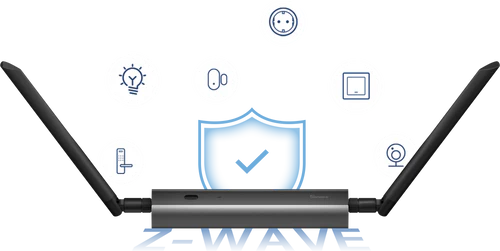

Compatible with Multiple Devices
Works with Z-Wave certified products from various manufacturers and categories,
enabling unified control and seamless
automation between them.
Use as a PoE Dongle, offering a stable connection and clean setup through the RJ45 connector.

S2 Security Protection Standard
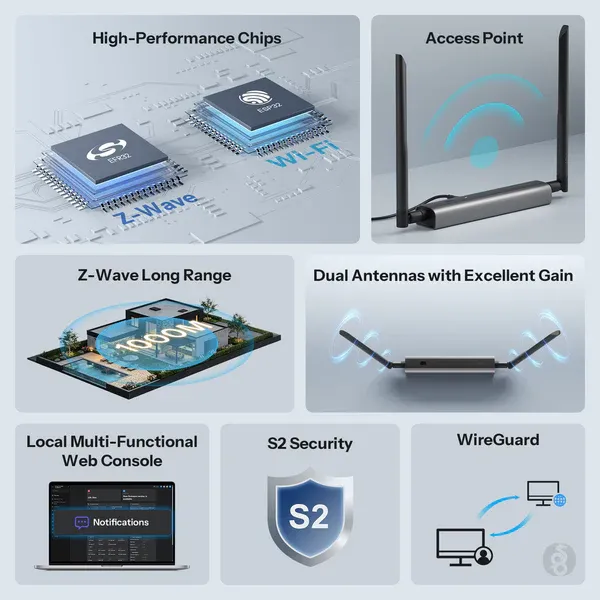
Built on the high-level Z-Wave S2 security standard, it encrypts communications
between smart devices, protecting your data throughout and ensuring safety.

Interference-Resistant Local Control
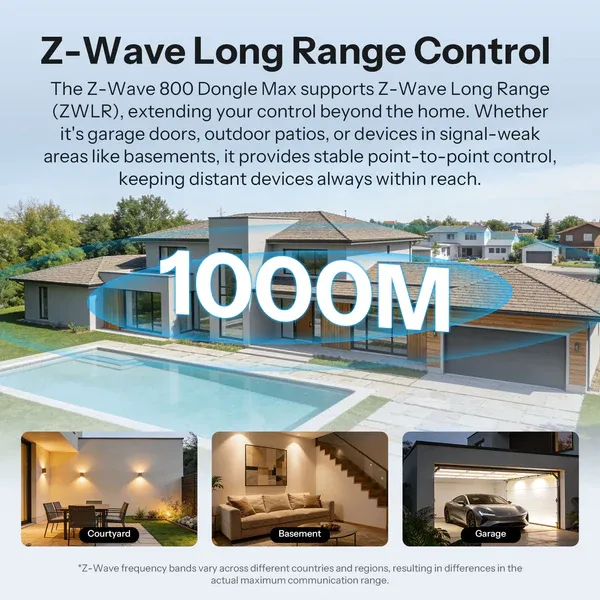
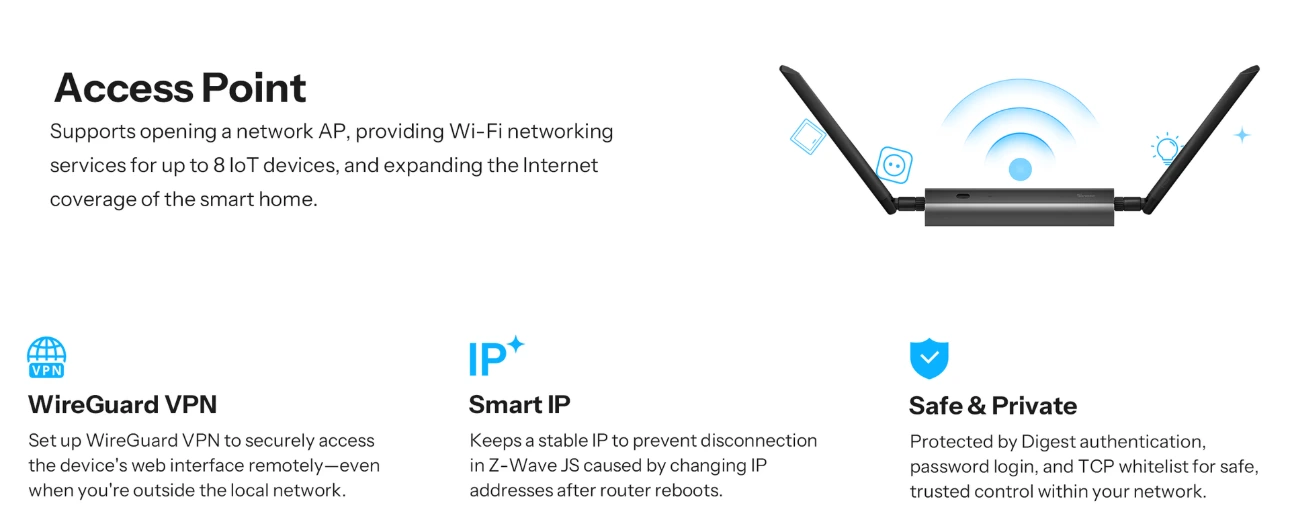
Cloud-free local control with Z-Wave mesh and LR technology for extended coverage, operating on a separate frequency from Wi-Fi to minimize interference.
Open-Platform Ready, Hassle-Free to Use
Dongle Max is compatible with multiple open-source platforms, supporting both USB and TCP connections. It works seamlessly with Home Assistant and Zigbee2MQTT, with auto-discovery to make device integration effortless.

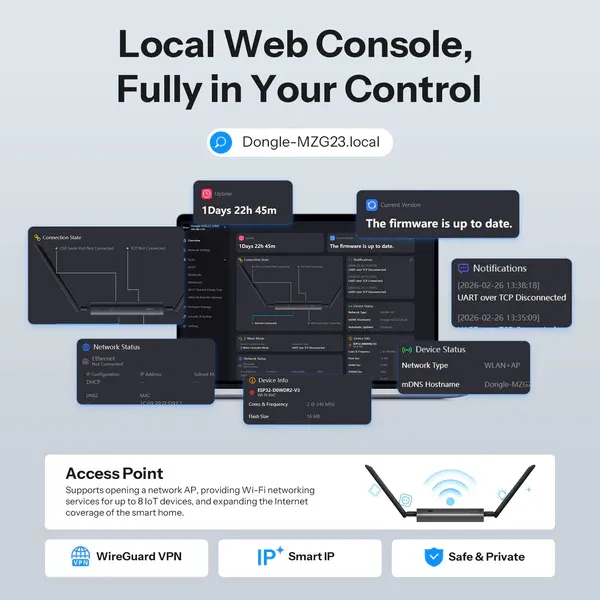
Local Web Console, Fully in Your Control
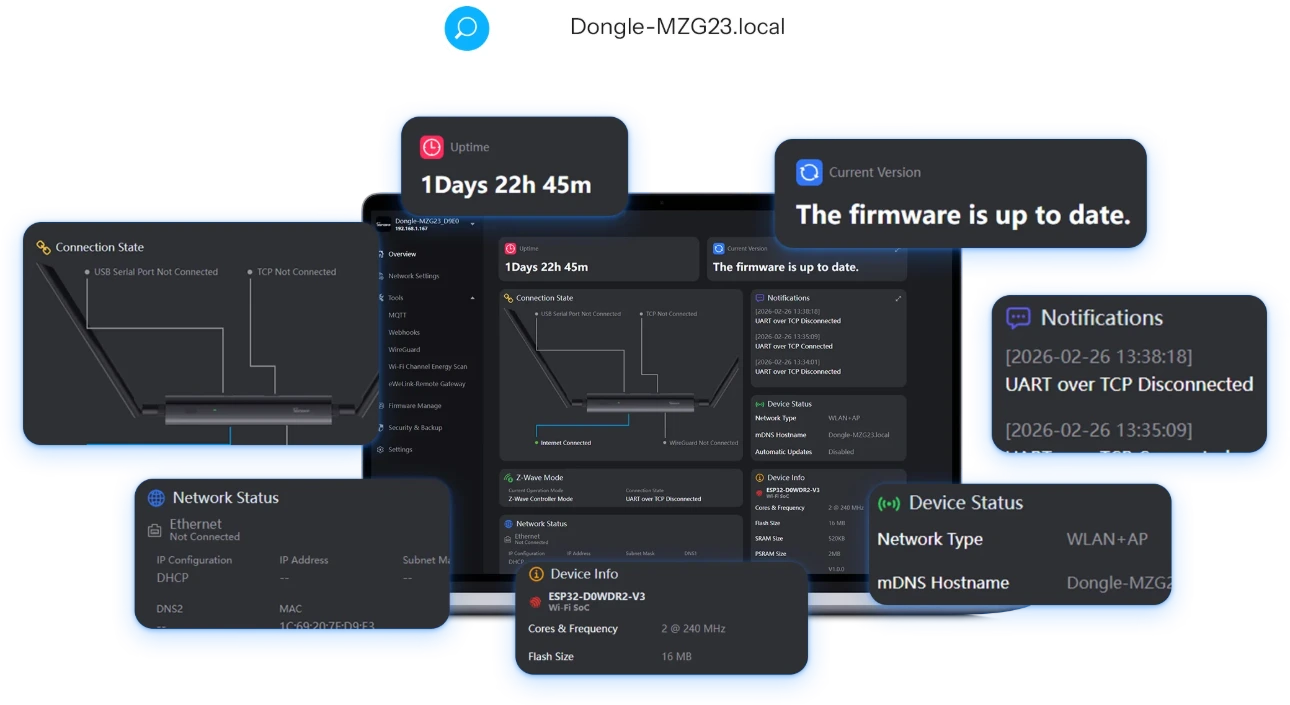
Access the local web console directly via your browser within the local network. Monitor real-time device status and operating information at a glance, or easily update settings and flash firmware — all without the need for additional software.
Integrate with Home Assistant
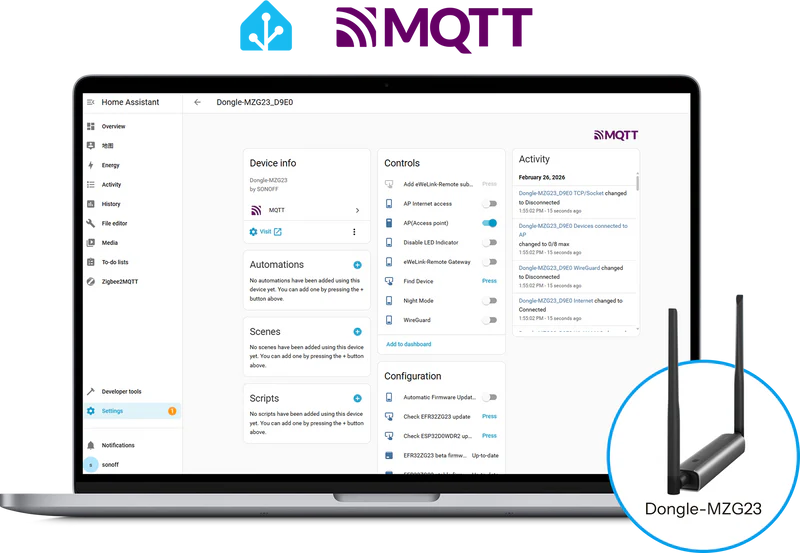
Want to manage Z-Wave 800 Dongle Max directly from your Home Assistant overview? Use the MQTT protocol to display device capabilities right on your dashboard — for real-time monitoring and control.
Comprehensive Tutorials &
Open Ecosystem
Comprehensive Tutorials
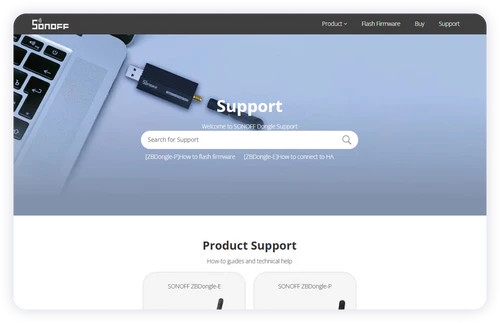
We provide a detailed tutorial website to help you quickly learn how to use the device or troubleshoot, accessible anytime you need.
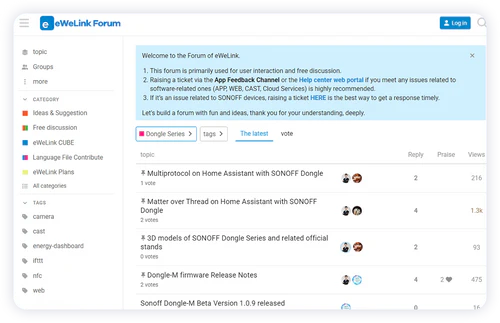
Join the Discussion
Have ideas to share or questions to ask? Join our active eWeLink forum community and connect with other users and developers.
Comprehensive Tutorials &
Open Ecosystem
https://makerworld.com/en/collections/9880065-sonoff-dongle
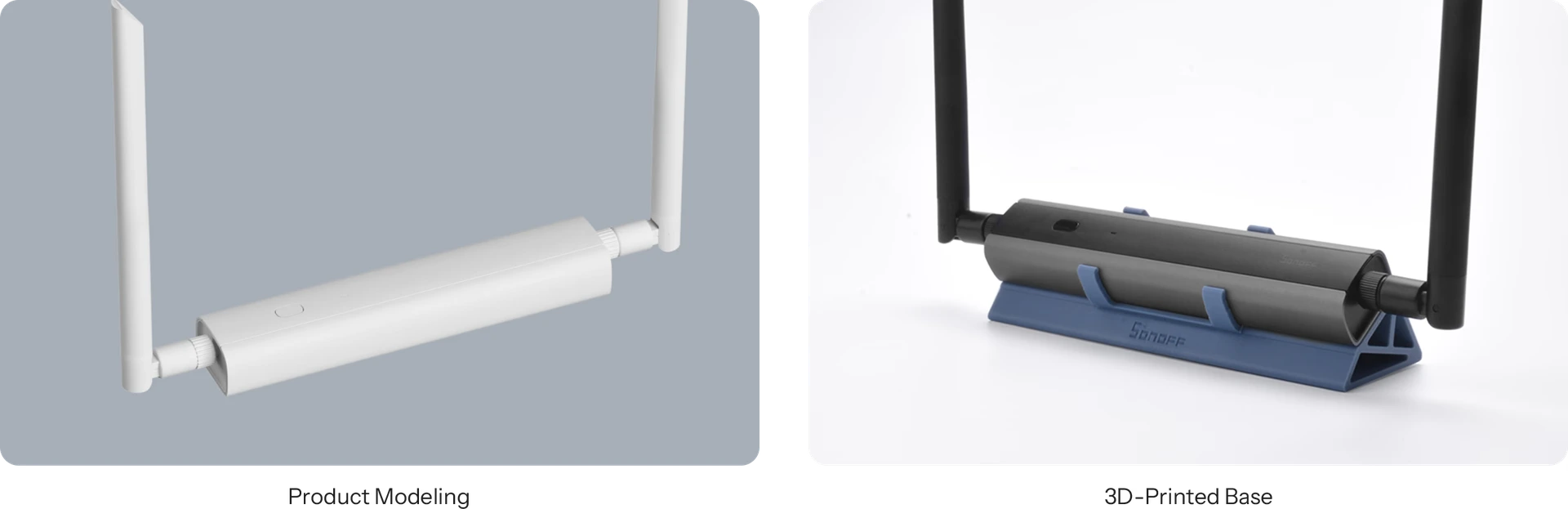
Explore More Usage Methods
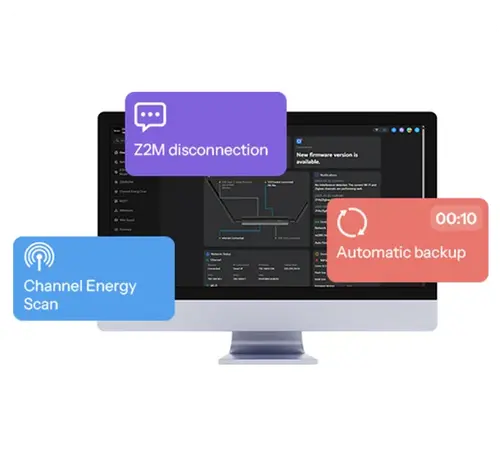
Automated Webhooks for Backup and Alerts
Create custom webhooks to automatically back up your device at scheduled times or receive instant notifications if the network disconnects.
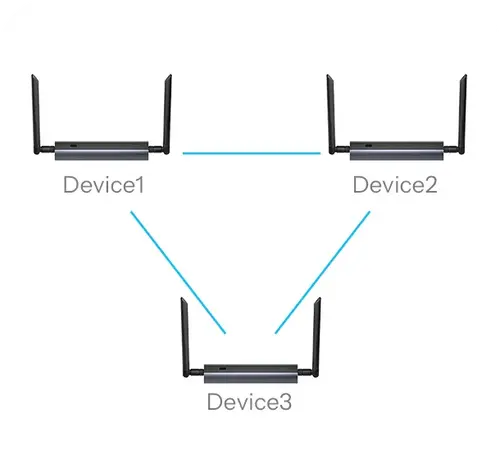
Manage Multiple Dongle Max Devices Manage Multiple Dongle Max Devices
Easily switch between multiple Dongle Max units via the web console, and configure backup settings individually for each device.
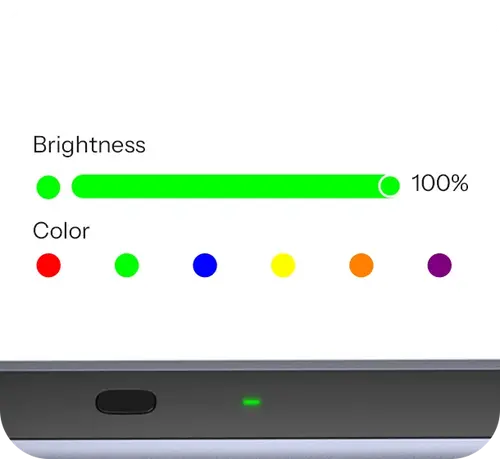
Customizable Indicator Lights
Personalize the LED colors to represent different statuses, making it easier to monitor your device’s operation at a glance.
Installation and Usage
Zigbee/Thread Dongle
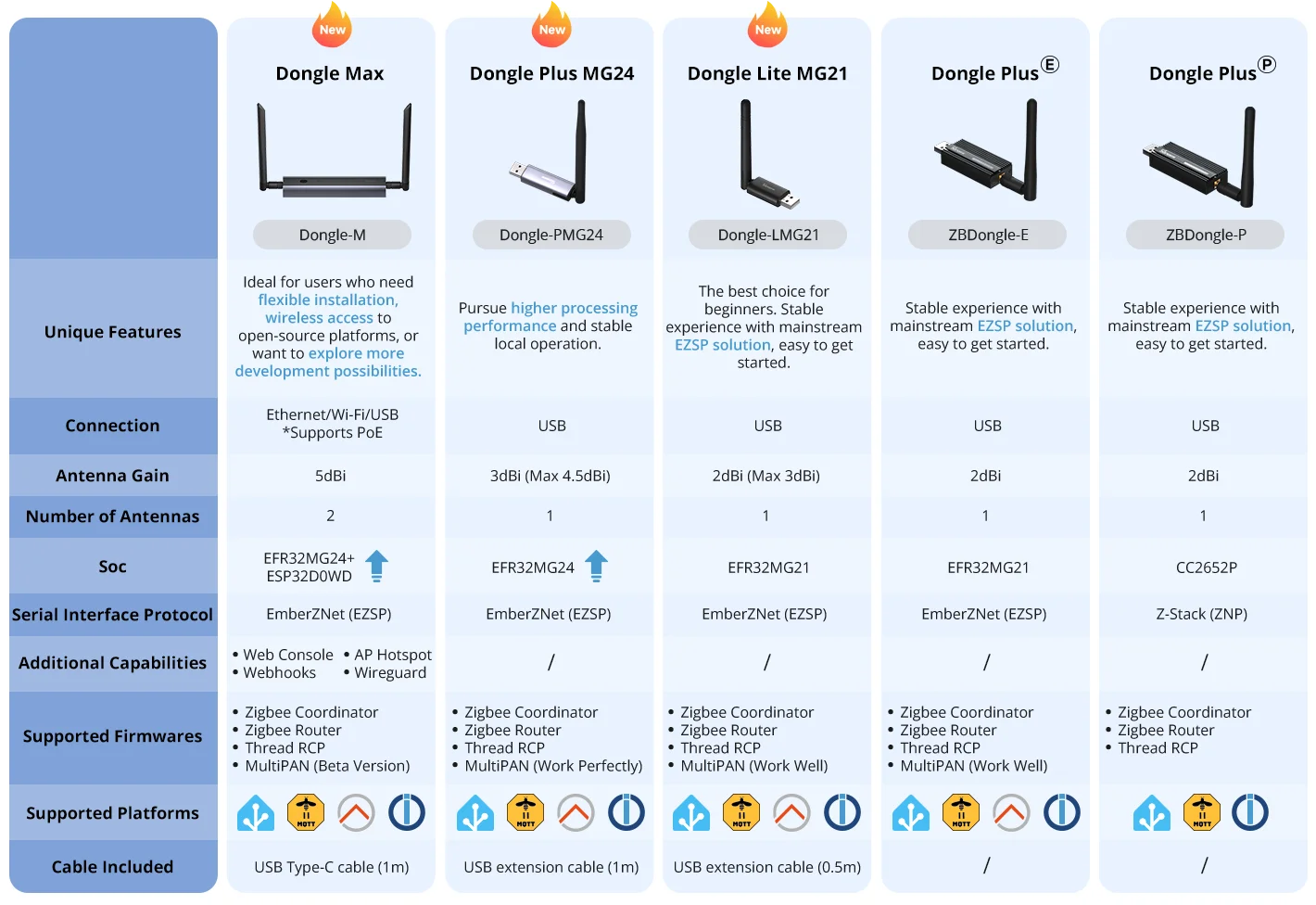
The Trusted SONOFF Dongle Series
Z-Wave Dongle
| Feature | SONOFF Z-Wave 800 PoE Dongle Max | SONOFF USB Z-Wave 800 Dongle Plus |
|---|---|---|
| Product Name | SONOFF Z-Wave 800 PoE Dongle Max | SONOFF USB Z-Wave 800 Dongle Plus |
| Model | Dongle-MZG23 | Dongle-PZG23 |
| Unique Features | Ideal for users who need flexible installation, wireless access to open-source platforms, or want to explore more development possibilities. Pursues higher processing performance and stable local operation. | Ideal for standard USB-based Z-Wave connectivity. |
| Connection | Ethernet / Wi-Fi / USB (Supports PoE) | USB |
| Antenna Gain | 3 dBi | 2 dBi |
| Number of Antennas | 2 | 1 |
| SoC | EFR32ZG23 + ESP32-D0WD | EFR32ZG23 |
| Additional Capabilities | Web Console, Webhooks, AP Hotspot, WireGuard | Not Available |
| Supported Platforms | Home Assistant, OpenHAB, Z-Wave JS | Home Assistant, OpenHAB, Z-Wave JS |
| Cable Included | USB Type-C Cable (1 m) | USB Type-C Cable (1 m) |
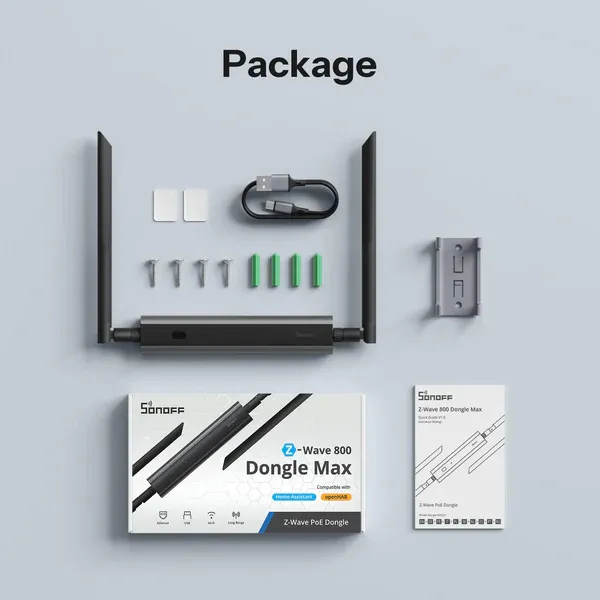
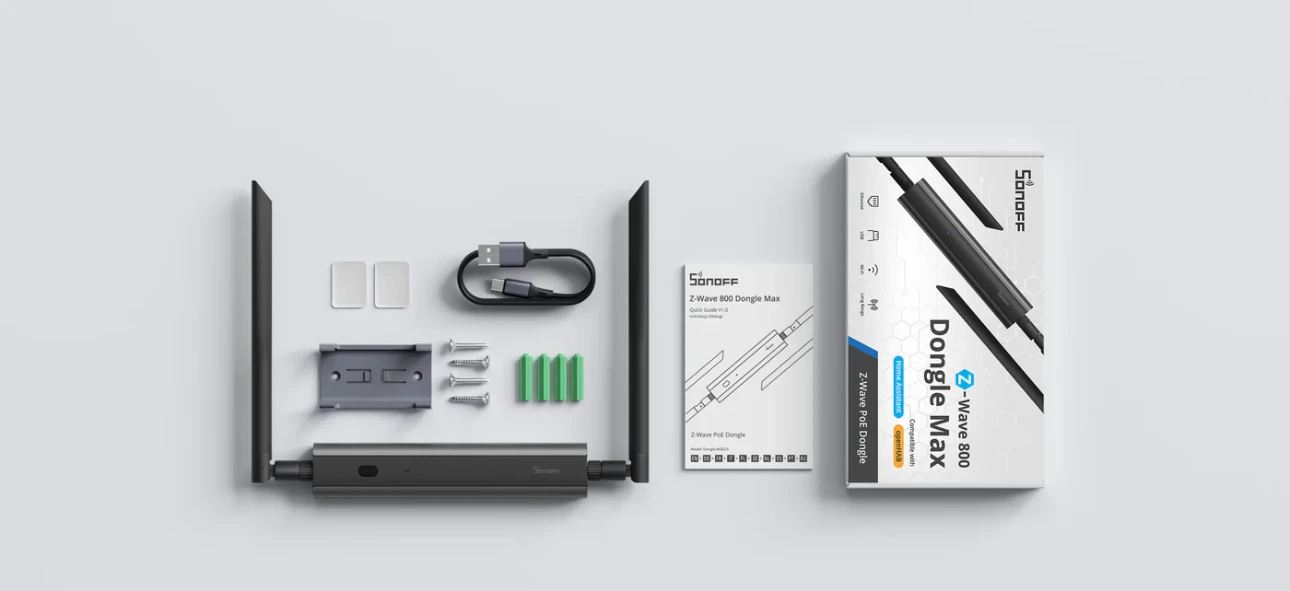
Package
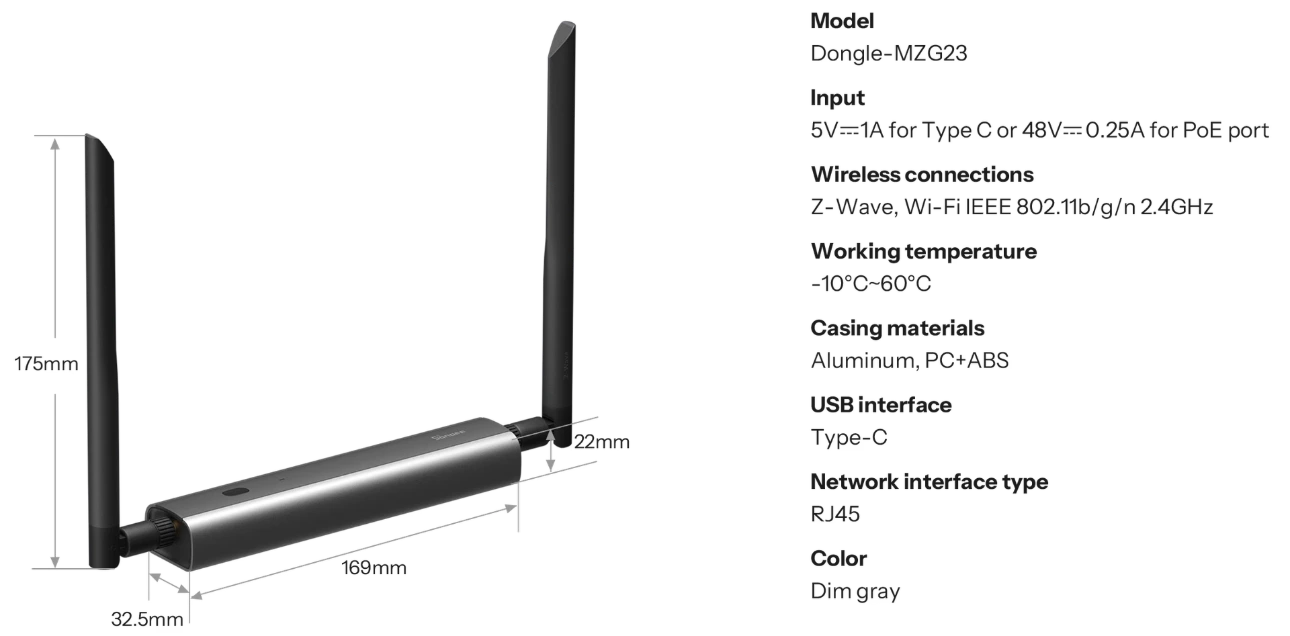
Specifications
Specs & User Manual
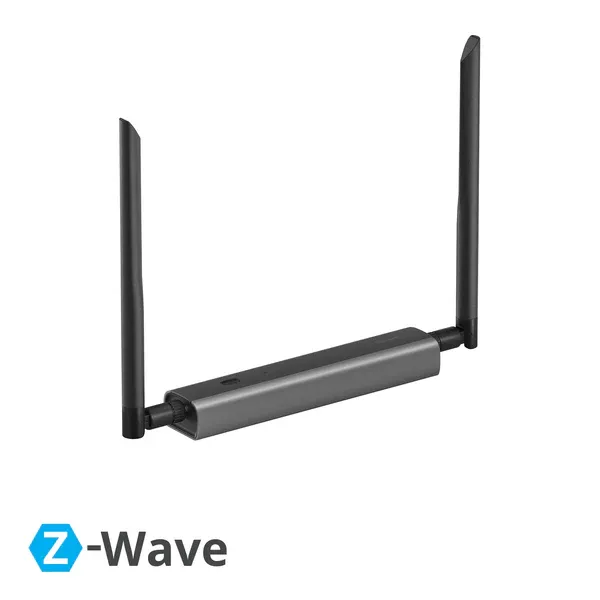
Dongle-MZG23 is a powerful Z-Wave Dongle supporting Z-Wave S2 security and Long Range (ZWLR), built for stable and secure local smart home control. Equipped with a dual-chip design, it offers fast response and strong anti-interference. With Ethernet, Wi-Fi, and USB connectivity, a 360° adjustable antenna, and a dedicated local Web console, it ensures flexible deployment and data privacy. Seamlessly integrates with Home Assistant, openHAB, and Z-Wave JS.
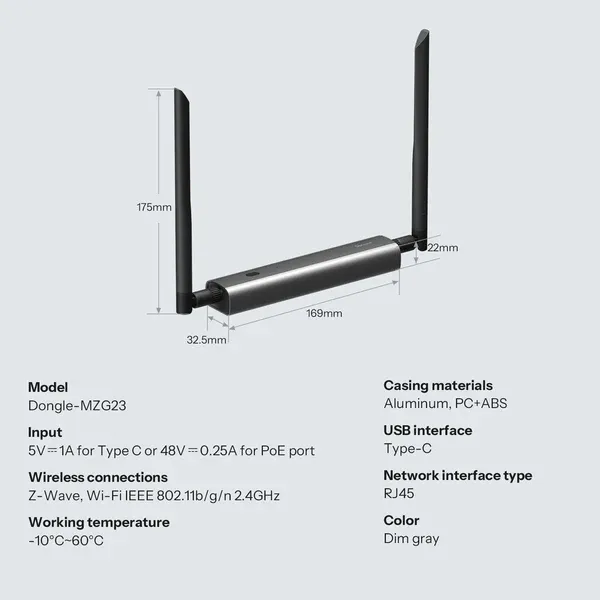
| Model | Dongle-MZG23 |
| Input | 5V ⎓ 1A (Type-C) or 48V ⎓ 0.25A (PoE Port) |
| Wireless Connections | Z-Wave, Wi-Fi IEEE 802.11 b/g/n (2.4GHz) |
| Working Temperature | -10°C to 60°C |
| Casing Material | Aluminum, PC+ABS |
| USB Interface | Type-C |
| Network Interface Type | RJ45 |
| Color | Dim Gray |
FAQ
They support different protocols:
- Dongle-MZG23 is mainly used for adding Z-Wave devices.
- Dongle-M is designed for adding Zigbee or Thread devices.
You can choose compatible products from the Z-Wave certified device list provided below.
Please note that Z-Wave frequency requirements vary by country or region. Make sure to purchase Z-Wave devices that match your local frequency from your local Amazon store or other regional shopping platforms.
Z-Wave Certified Device List:
Specifications
| Brand | Sonoff |
Our latest content
Check out what's new in our company !