


Alternative Products
These other products might interest you
Key features
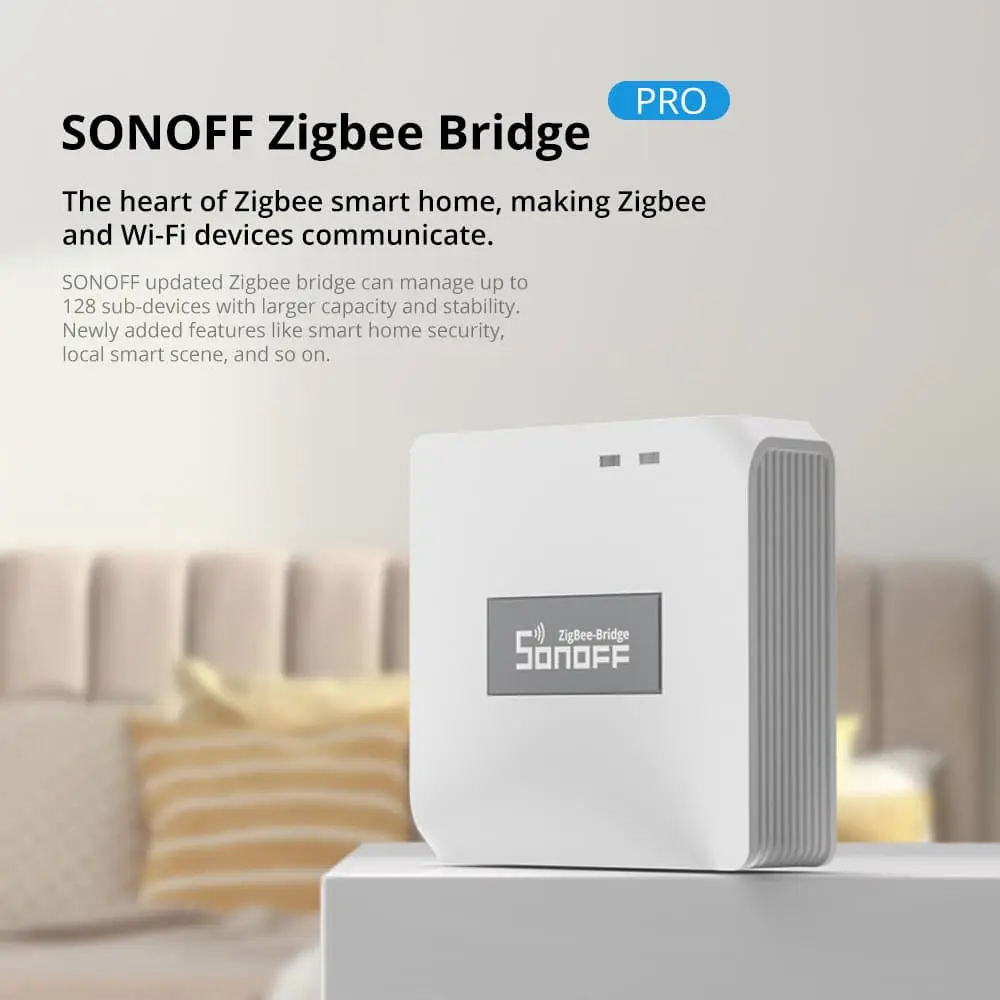
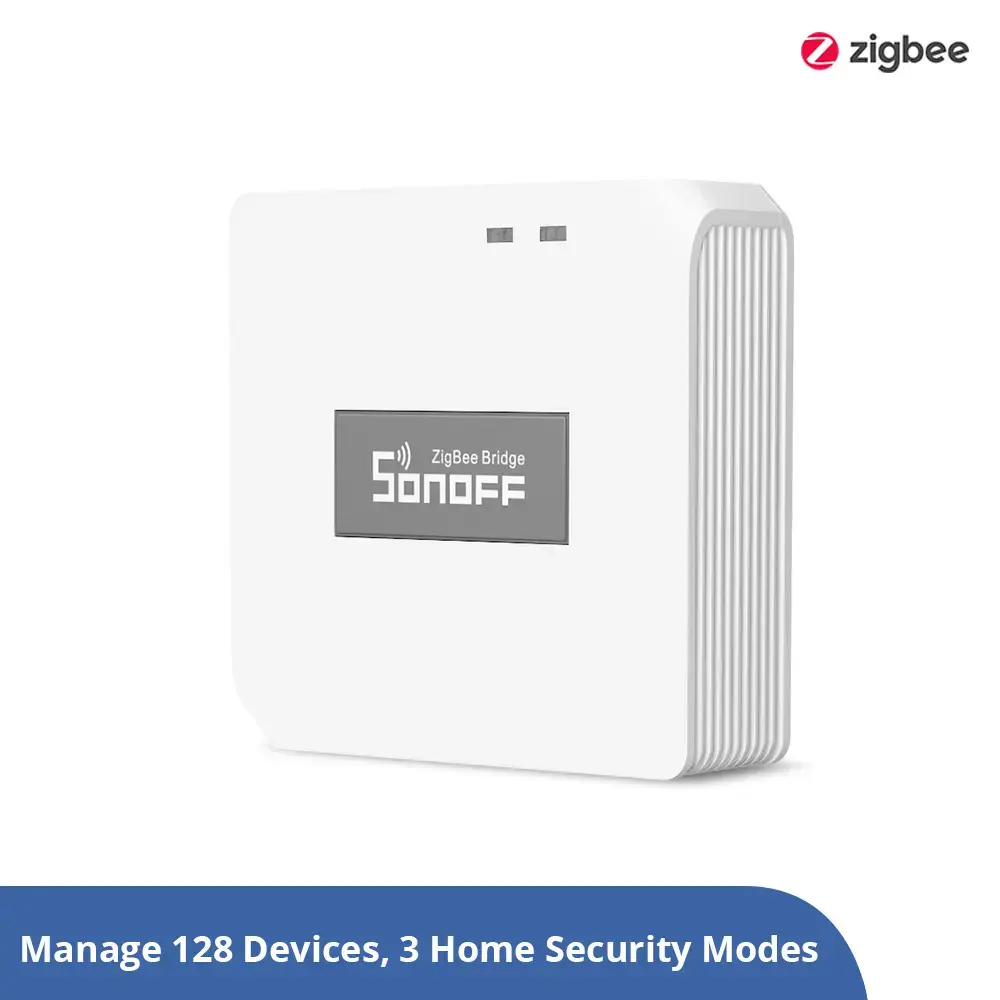
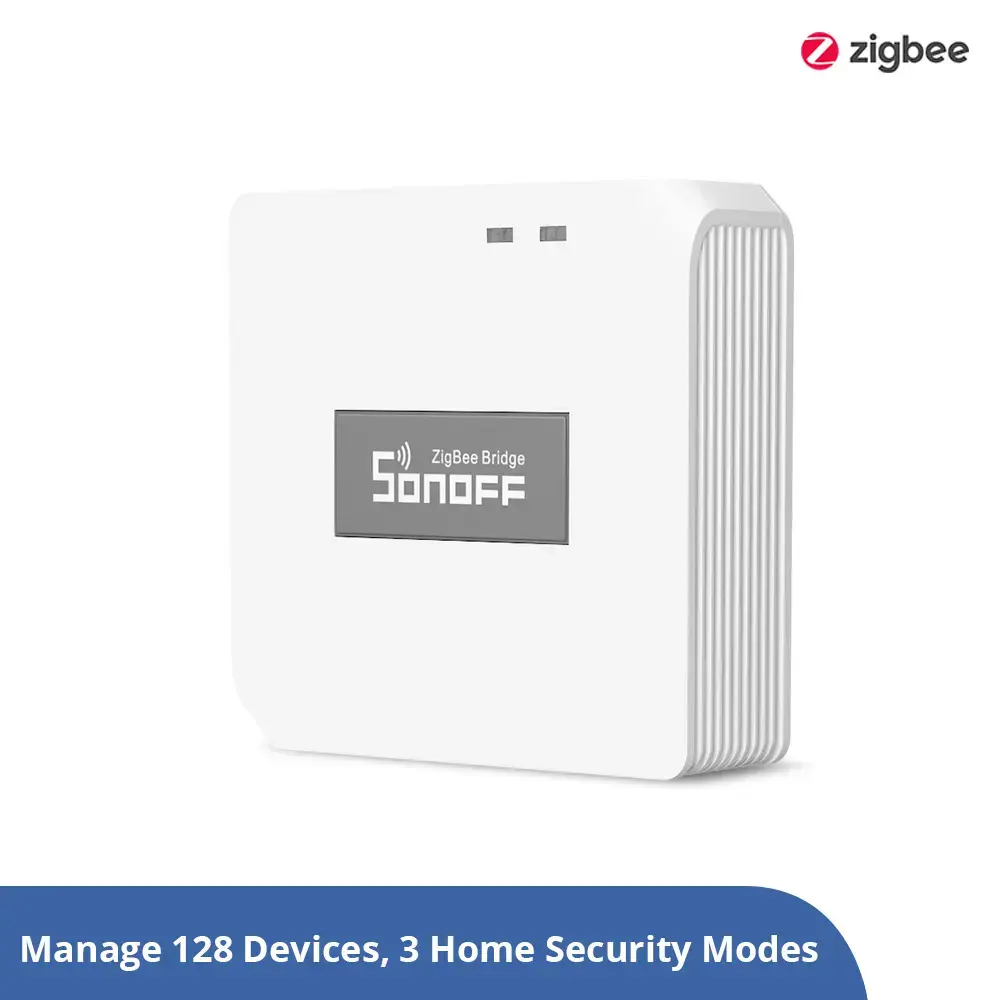
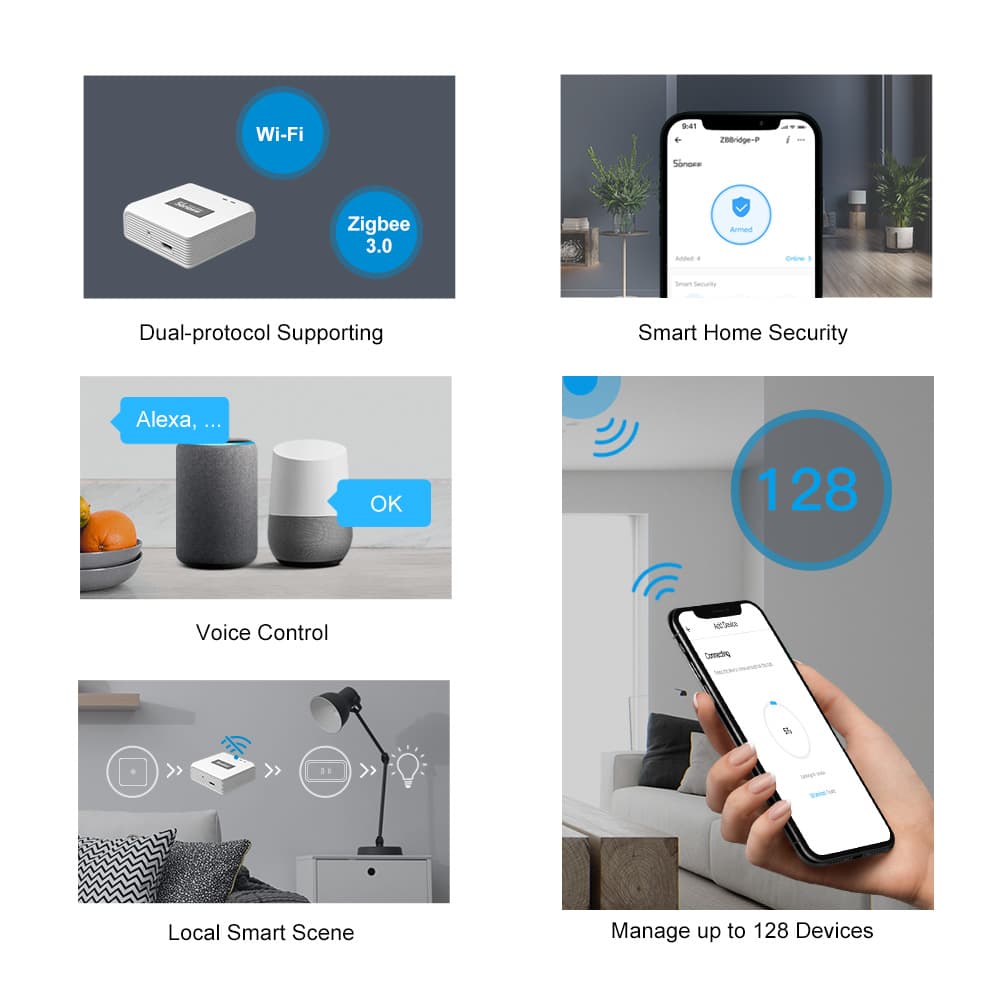
Supports up to 128 sub-devices
Significantly expands your smart home network, supporting up to 128 Zigbee sub-devices — up from the previous limit of 32.
Smart home security
Create customized security modes such as Home, Away and Sleep. The bridge can function as a local alarm hub, enhancing your home security setup.
Local smart scene execution
Timing schedules and Zigbee device linkages operate locally, even without an active internet connection, ensuring reliable automation.
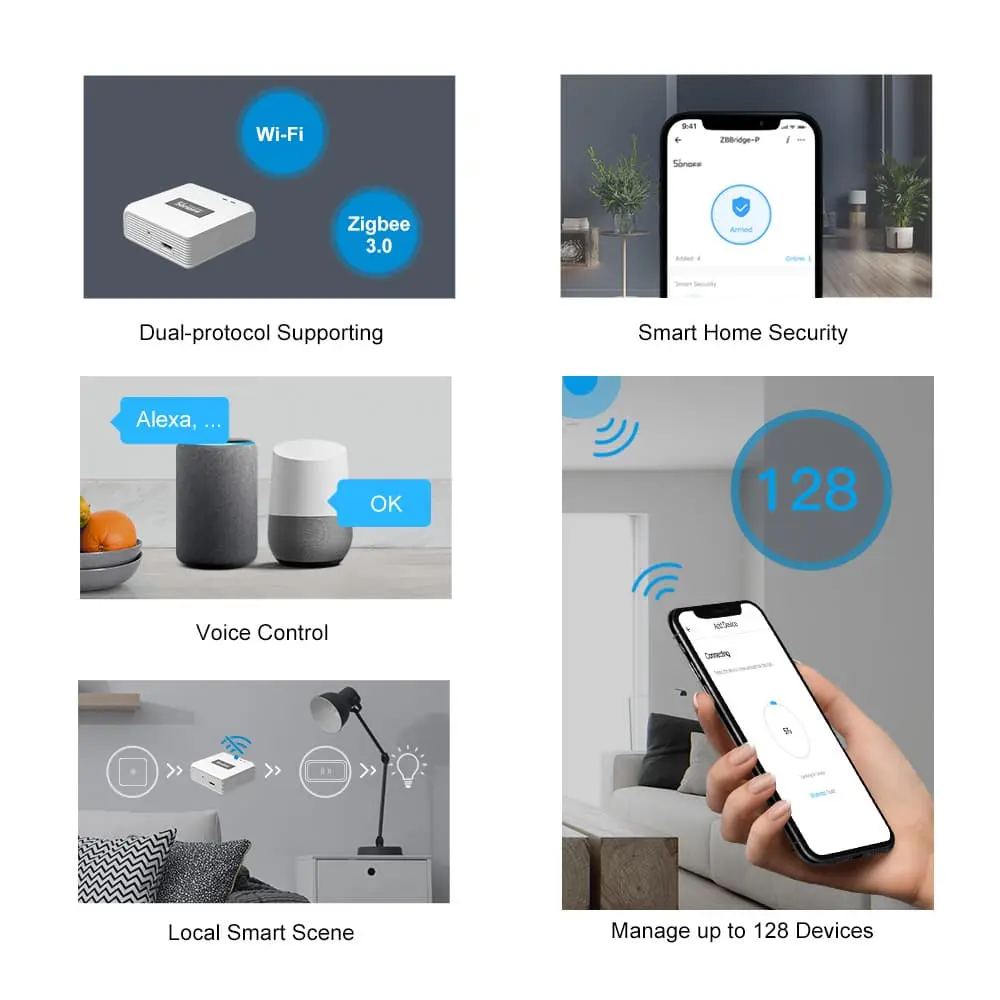
Dual-protocol: Wi-Fi and Zigbee
Facilitates communication between Zigbee and Wi-Fi devices, enabling more flexible and integrated smart home scenarios.
Robust compatibility
Compatible with a wide range of SONOFF Zigbee devices, such as the ZBMINIR2 smart switch and S60ZB smart plug, for a powerful, seamless smart home ecosystem.
Flexible routing
ZB Bridge-P connects 26 sub-devices directly (10 end devices plus 16 routers, or 26 routers). Add router devices to expand up to 128 sub-devices.
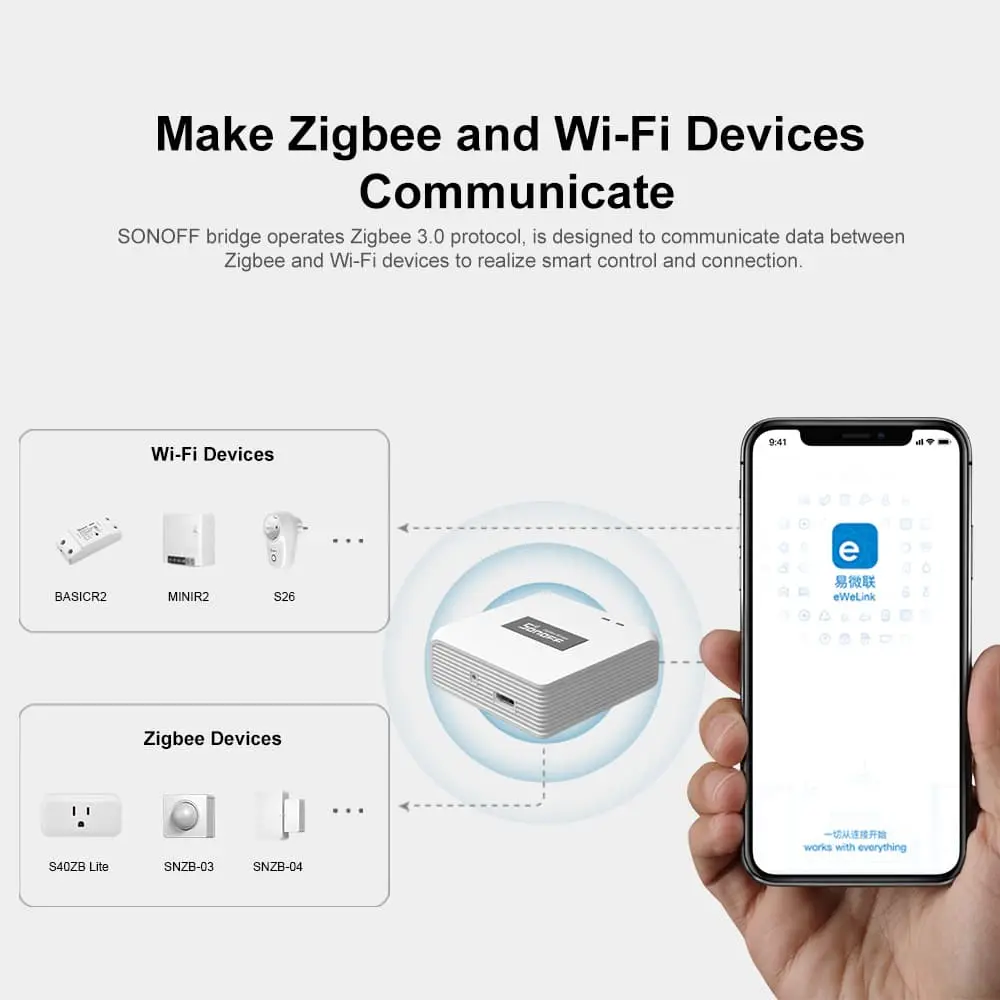
Make Zigbee and Wi-Fi devices communicate
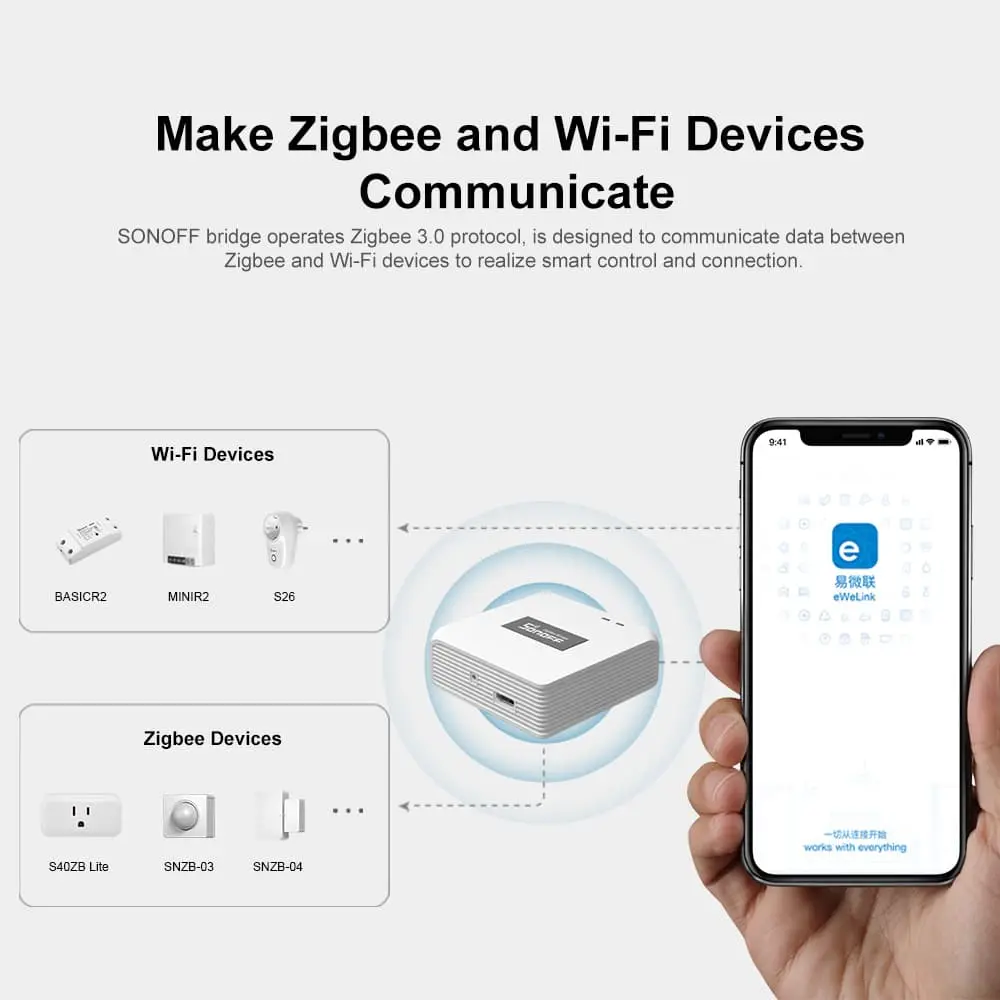
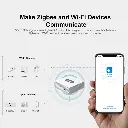
The SONOFF bridge runs the Zigbee 3.0 protocol and is designed to relay data between Zigbee and Wi-Fi devices, enabling smart control and connection across both ecosystems.
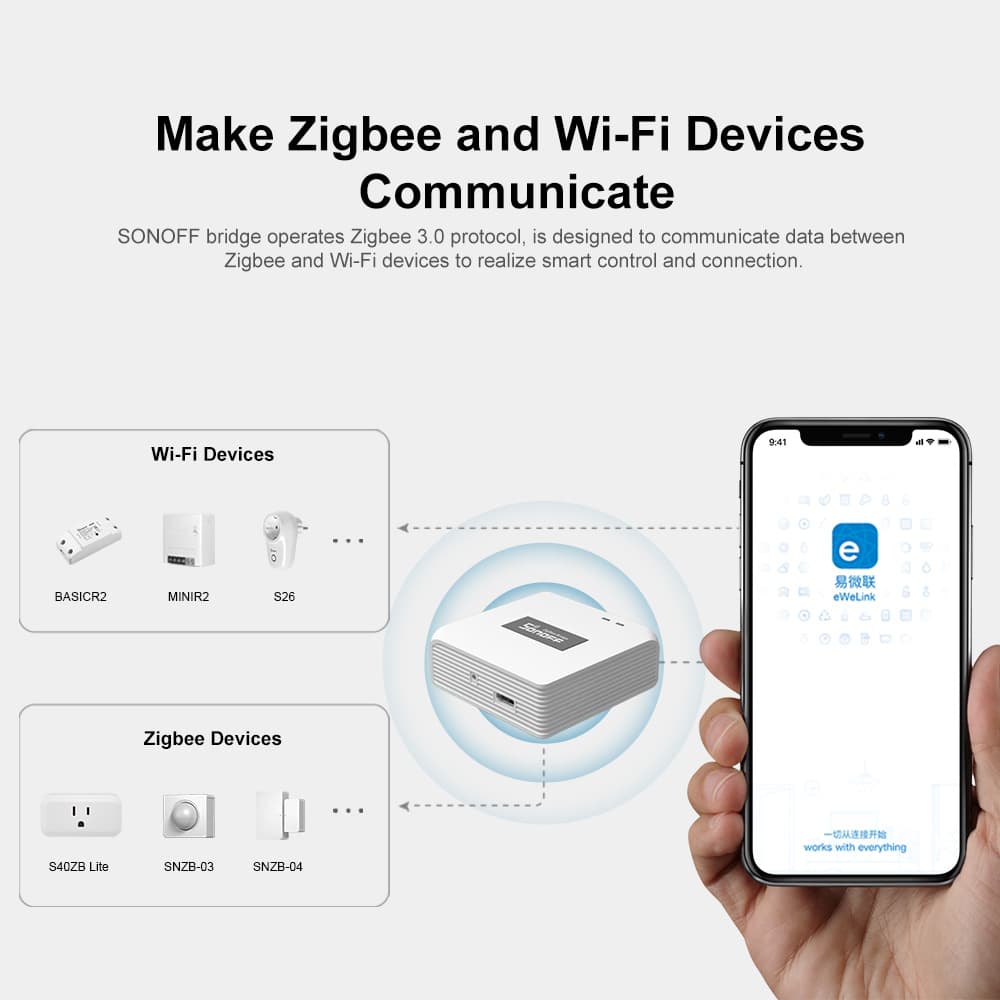
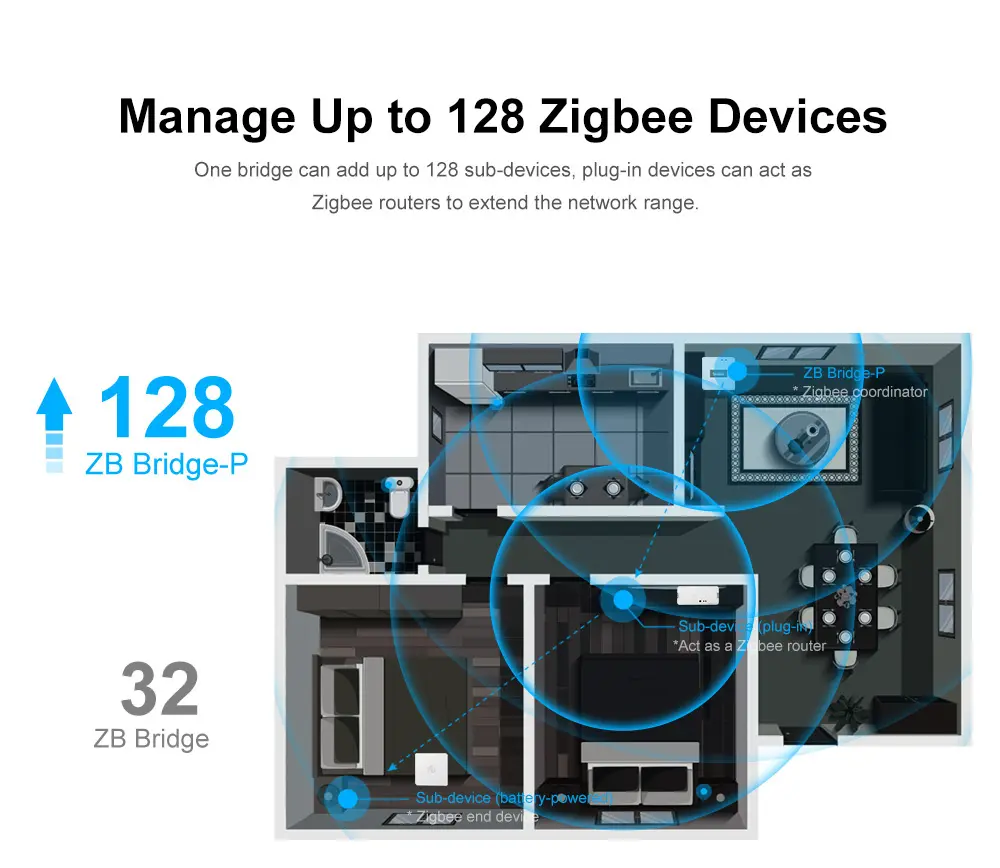
Manage up to 128 Zigbee devices. One bridge can add up to 128 sub-devices; plug-in devices can act as Zigbee routers to extend the network range.
Customize your home security mode
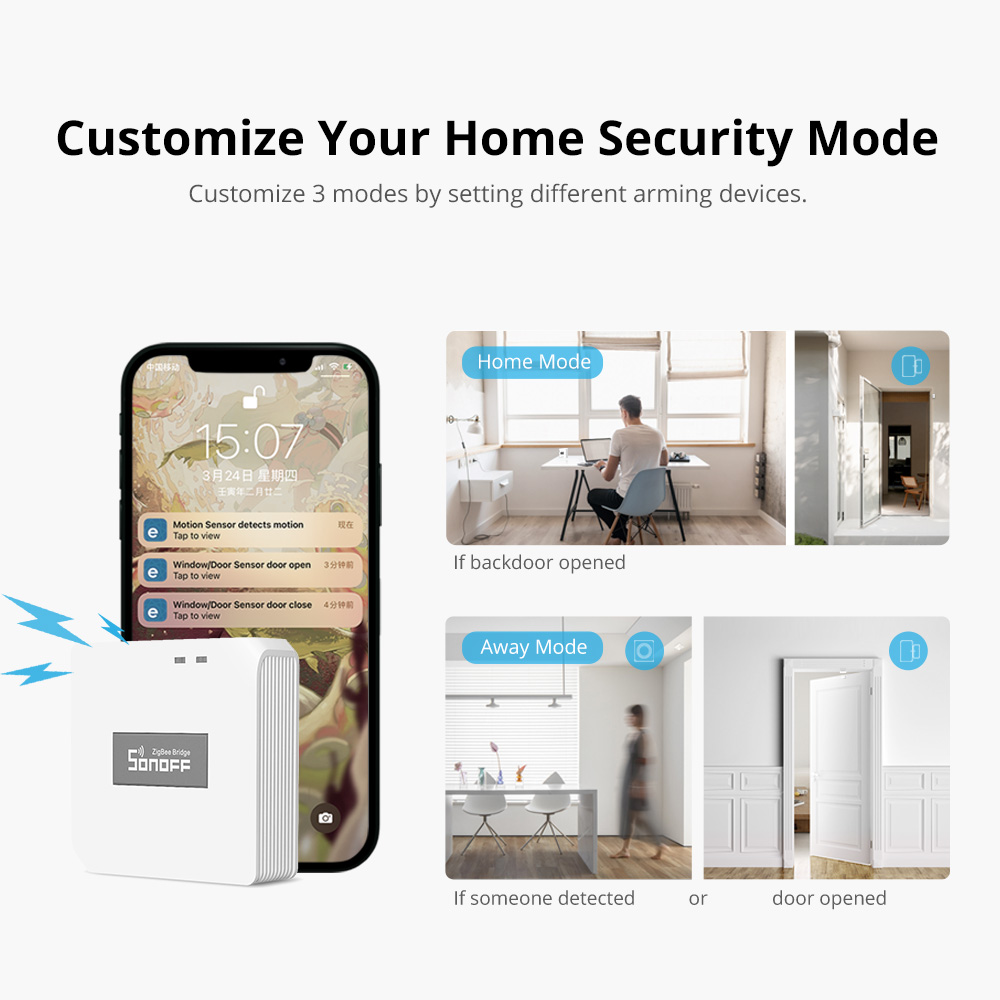
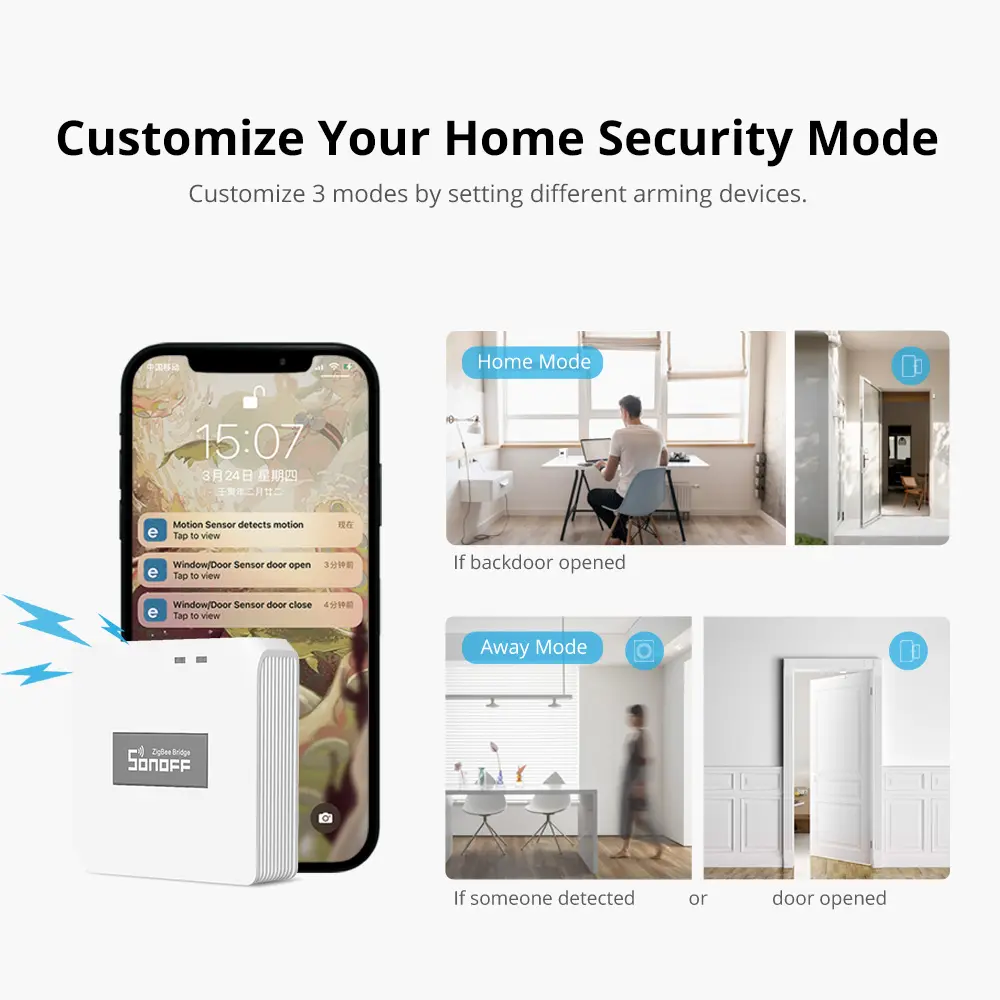
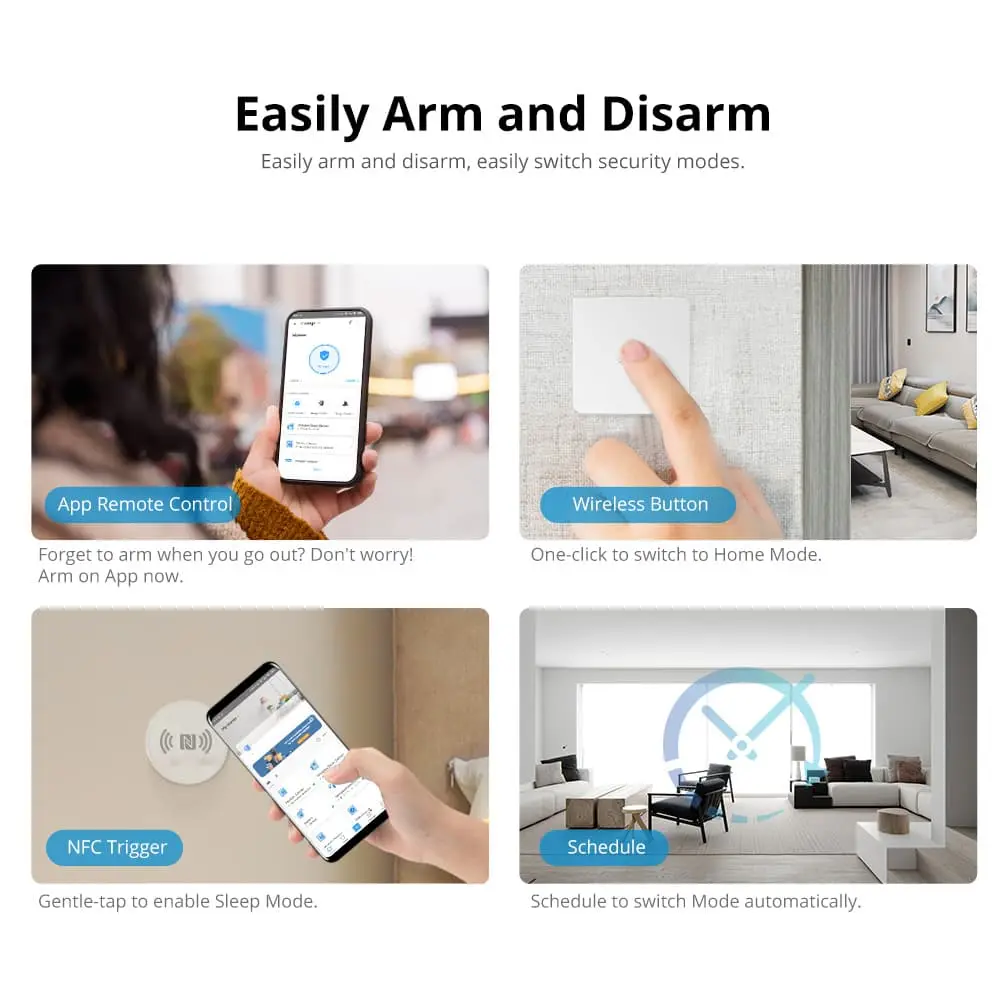
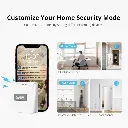
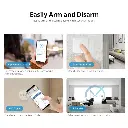
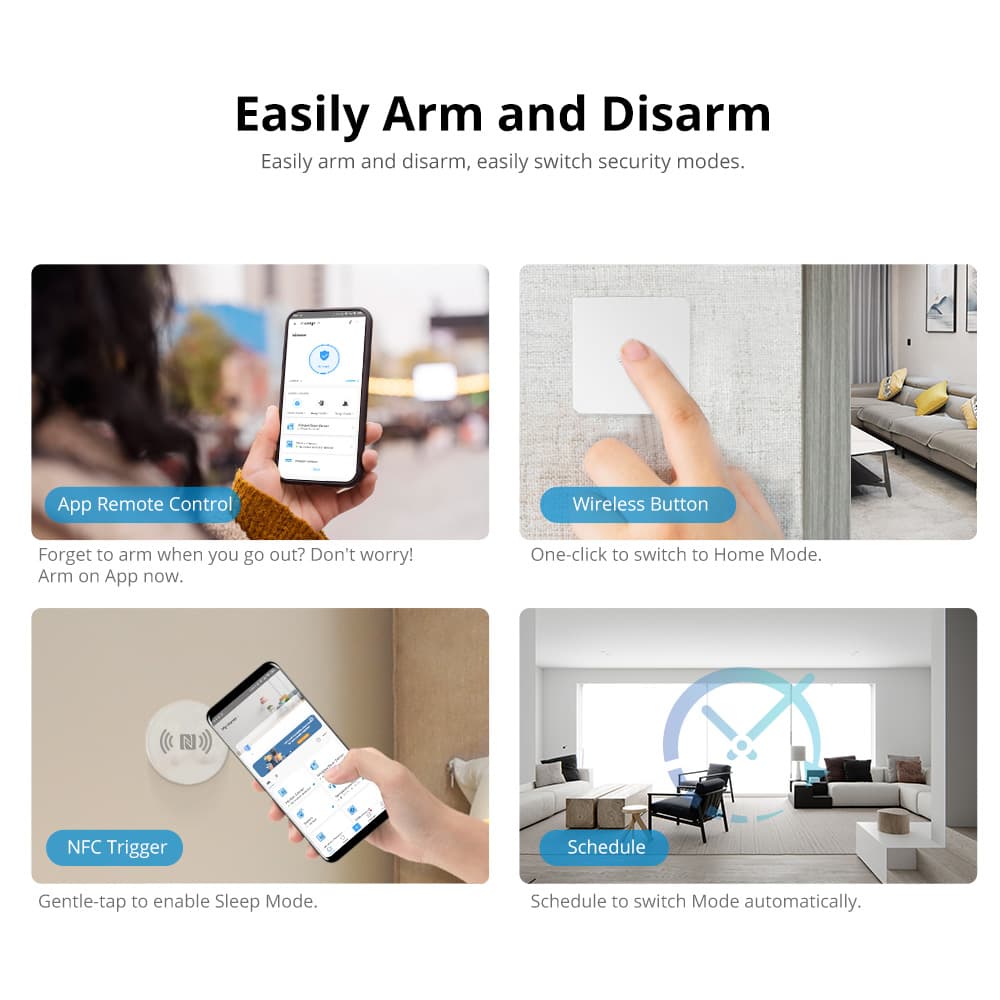
Customize 3 modes by setting different arming devices, and easily arm and disarm to switch security modes.
- App remote control — forgot to arm when you left? Arm from the app.
- Wireless button — one click to switch to Home mode.
- NFC trigger — a gentle tap enables Sleep mode.
- Schedule — switch modes automatically on a schedule.
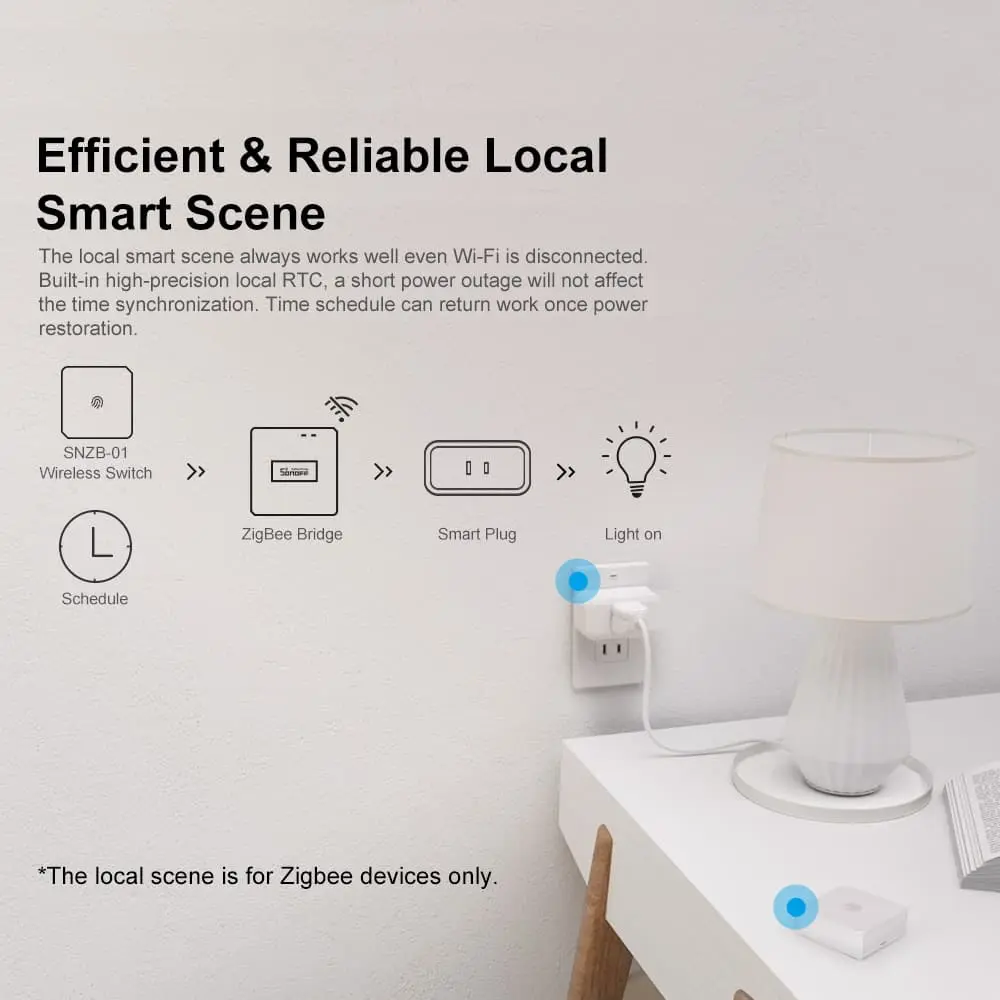
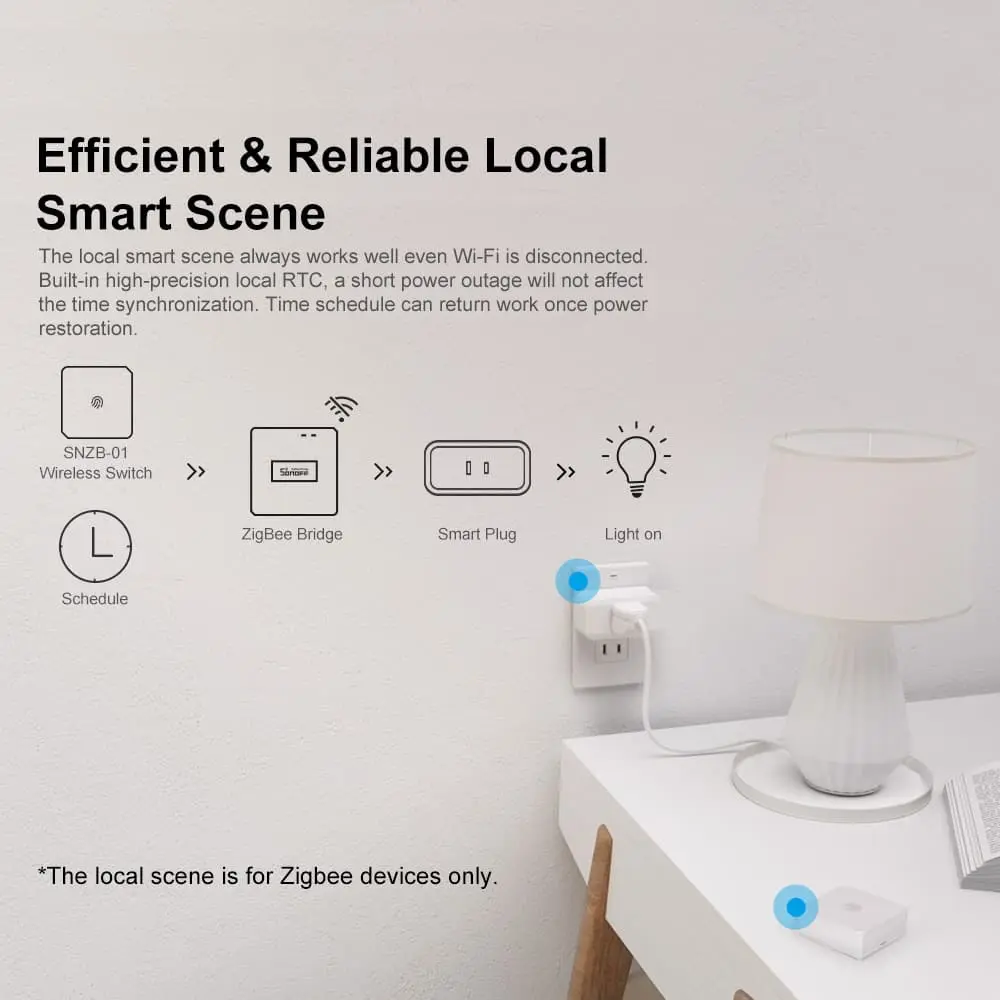
Efficient and reliable local smart scenes
The local smart scene always works well even when Wi-Fi is disconnected. Built-in high-precision local RTC means a short power outage won't affect time synchronization, and time schedules resume automatically once power is restored.
The use of the bridge buzzer is not only a security alarm
Visitor? The bridge and a wireless button can act as a doorbell.
Build a comfortable, responsive home
- Comfort control — a sensor detects home temperature and humidity in real time, automatically triggering a fan or humidifier to maintain comfort.
- Motion — lights on — works with motion sensors to turn on lighting automatically.
- Door closed — lights off — automatically turns off the hallway light when you leave home.
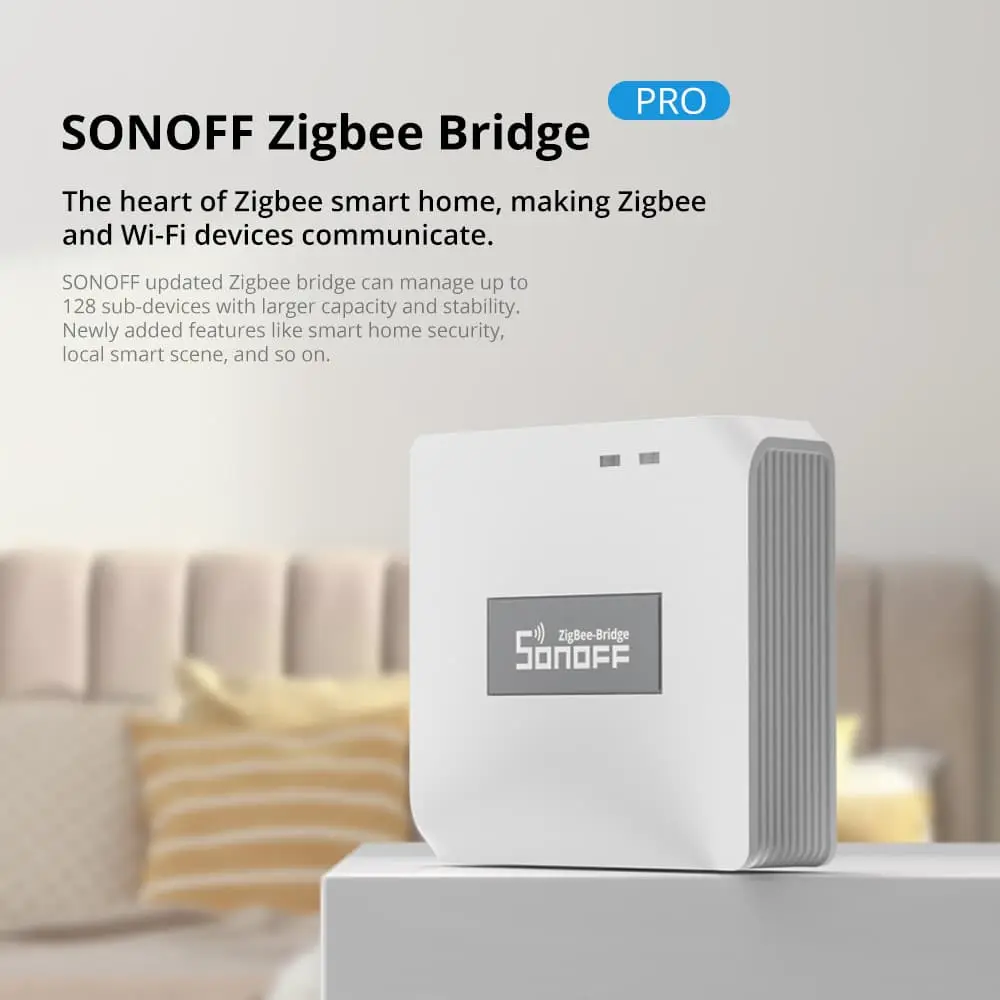
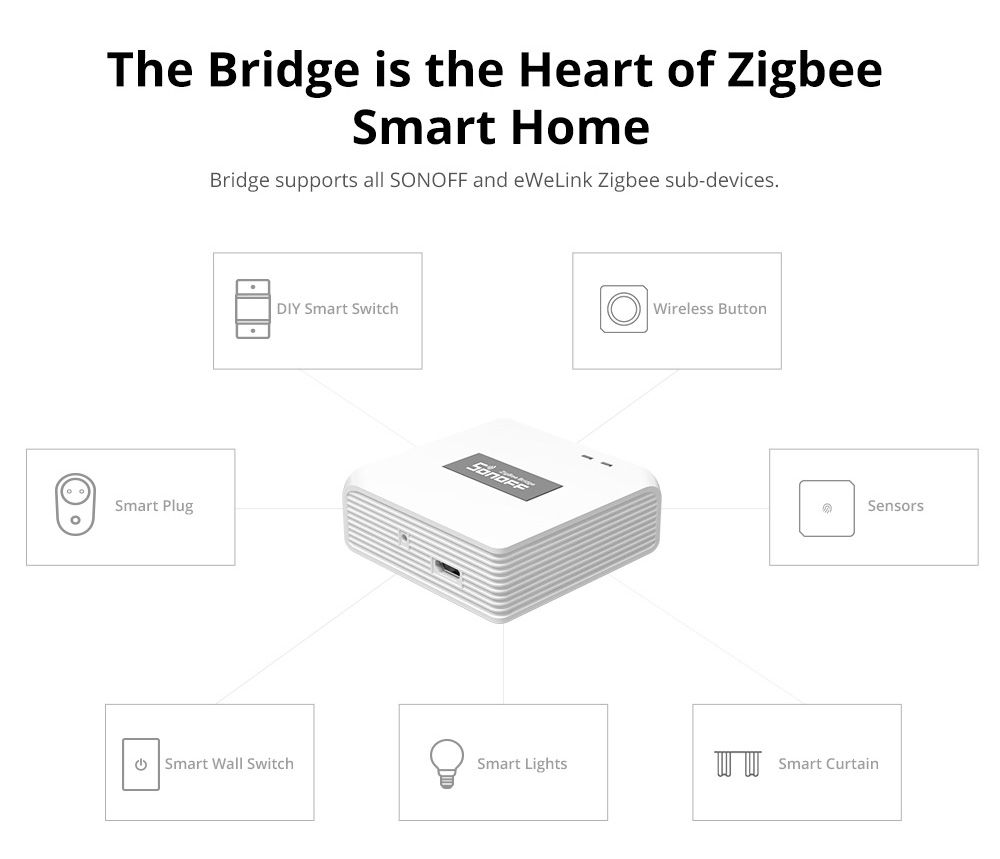
The bridge is the heart of Zigbee smart home
The bridge supports all SONOFF and eWeLink Zigbee sub-devices.
Hands-free control from smart assistants
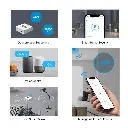
Turn devices on or off, or ask for the temperature or humidity with your voice — connect Alexa or Google Assistant to simplify your daily life.
* Specific supported platforms — the sub-device specification shall prevail.
Easy to start
Download the eWeLink app
Power on the bridge
Tap "Bluetooth Pairing" in the app to pair the bridge
Package
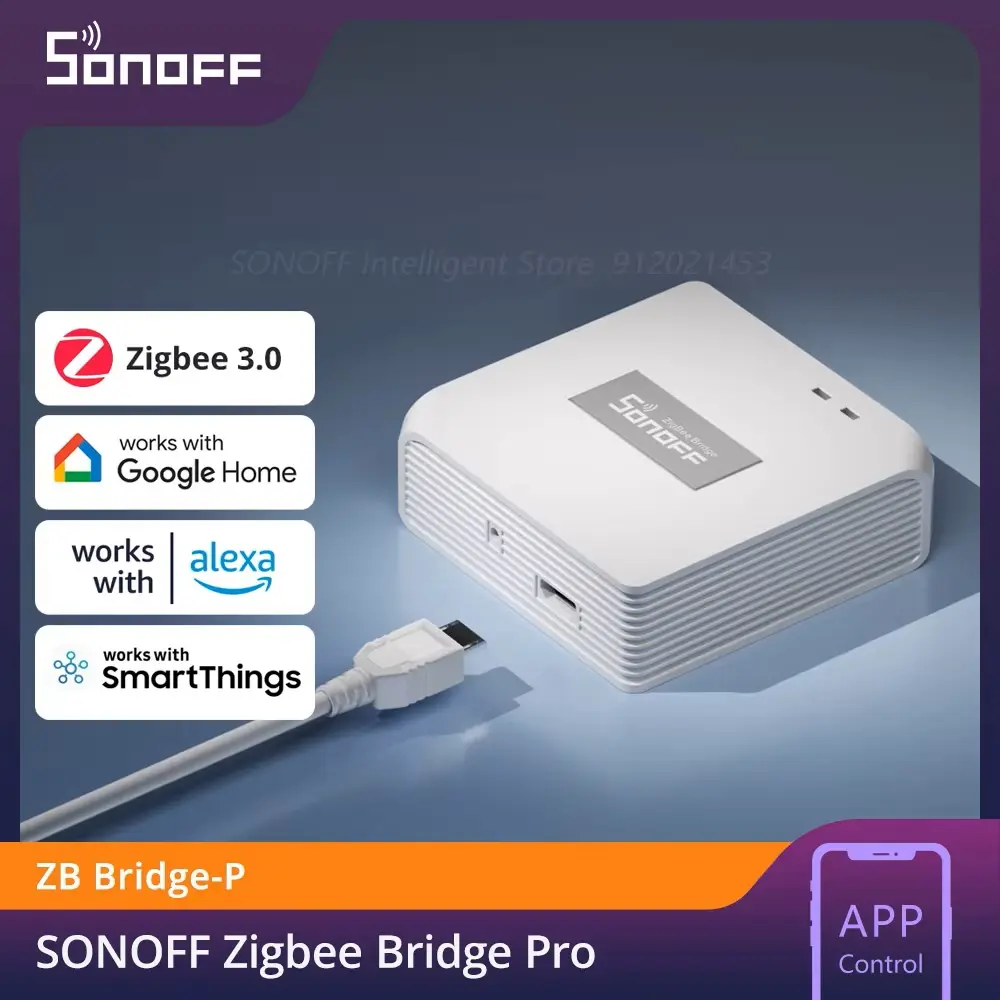
SONOFF Zigbee Bridge Pro (ZB Bridge-P) — see the full package list and box contents on the product page.
Specs & user manual
SONOFF Zigbee Bridge Pro supports up to 128 Zigbee sub-devices, significantly expanding your smart home network and seamlessly integrating various SONOFF Zigbee products. It enhances home security with customizable modes such as Home, Away and Sleep, and functions as a local alarm hub for real-time protection. With dual-protocol support for Wi-Fi and Zigbee, it bridges devices effortlessly and ensures reliable local smart scene execution even without internet connectivity.
| Model | ZB Bridge-P |
| Input | 5V DC 1A |
| Wireless connection | Wi-Fi IEEE 802.11 b/g/n 2.4GHz, Zigbee 3.0 |
| Casing materials | PC V0 |
| Working temperature | -10°C to 40°C |
| Weight | 35g |
| Dimension | 62 x 62 x 20 mm |
FAQ
1. How many sub-devices can be added to the gateway?
Maximum number of directly connected devices: 10.
Maximum total number of devices: 128, achievable by adding router devices (typically mains-powered devices).
2. Why can't I add sub-devices?
Confirm the sub-device is supported and is in pairing mode. Keep it close to the gateway during pairing.
Check if the Wi-Fi network is functioning properly. Retry after the network is stable.
Go to the gateway settings > More Settings > check the current Zigbee channel signal quality. Switch to a better-performing channel if needed.
You may have reached the Zigbee device limit. Delete one end device (battery-powered or single-line powered), and add a router device (mains-powered) to expand the device limit.
Try resetting the gateway by long-pressing the pairing button for 10 seconds (this will erase all sub-devices and smart scenes).
If none of the above work, the issue may be due to non-standard Zigbee implementations on third-party sub-devices or brand-level compatibility restrictions.
3. Does a local scene require Wi-Fi?
Wi-Fi is required during the setup of a local scene.
After setup, the local scene can run independently even if the Wi-Fi is disconnected or the router is powered off.
4. OTA update failed
Please check your network status.
Unplug the gateway for 5 minutes, then power it back on and try updating again.
Key features
Supports up to 128 sub-devices
Significantly expands your smart home network, supporting up to 128 Zigbee sub-devices — up from the previous limit of 32.
Smart home security
Create customized security modes such as Home, Away and Sleep. The bridge can function as a local alarm hub, enhancing your home security setup.
Local smart scene execution
Timing schedules and Zigbee device linkages operate locally, even without an active internet connection, ensuring reliable automation.
Dual-protocol: Wi-Fi and Zigbee
Facilitates communication between Zigbee and Wi-Fi devices, enabling more flexible and integrated smart home scenarios.
Robust compatibility
Compatible with a wide range of SONOFF Zigbee devices, such as the ZBMINIR2 smart switch and S60ZB smart plug, for a powerful, seamless smart home ecosystem.
Flexible routing
ZB Bridge-P connects 26 sub-devices directly (10 end devices plus 16 routers, or 26 routers). Add router devices to expand up to 128 sub-devices.
Make Zigbee and Wi-Fi devices communicate
The SONOFF bridge runs the Zigbee 3.0 protocol and is designed to relay data between Zigbee and Wi-Fi devices, enabling smart control and connection across both ecosystems.
Manage up to 128 Zigbee devices. One bridge can add up to 128 sub-devices; plug-in devices can act as Zigbee routers to extend the network range.
Customize your home security mode
Customize 3 modes by setting different arming devices, and easily arm and disarm to switch security modes.
- App remote control — forgot to arm when you left? Arm from the app.
- Wireless button — one click to switch to Home mode.
- NFC trigger — a gentle tap enables Sleep mode.
- Schedule — switch modes automatically on a schedule.
Efficient and reliable local smart scenes
The local smart scene always works well even when Wi-Fi is disconnected. Built-in high-precision local RTC means a short power outage won't affect time synchronization, and time schedules resume automatically once power is restored.
The use of the bridge buzzer is not only a security alarm
Visitor? The bridge and a wireless button can act as a doorbell.
Build a comfortable, responsive home
- Comfort control — a sensor detects home temperature and humidity in real time, automatically triggering a fan or humidifier to maintain comfort.
- Motion — lights on — works with motion sensors to turn on lighting automatically.
- Door closed — lights off — automatically turns off the hallway light when you leave home.
The bridge is the heart of Zigbee smart home
The bridge supports all SONOFF and eWeLink Zigbee sub-devices.
Hands-free control from smart assistants
Turn devices on or off, or ask for the temperature or humidity with your voice — connect Alexa or Google Assistant to simplify your daily life.
* Specific supported platforms — the sub-device specification shall prevail.
Easy to start
Download the eWeLink app
Power on the bridge
Tap "Bluetooth Pairing" in the app to pair the bridge
Package
SONOFF Zigbee Bridge Pro (ZB Bridge-P) — see the full package list and box contents on the product page.
Specs & user manual
SONOFF Zigbee Bridge Pro supports up to 128 Zigbee sub-devices, significantly expanding your smart home network and seamlessly integrating various SONOFF Zigbee products. It enhances home security with customizable modes such as Home, Away and Sleep, and functions as a local alarm hub for real-time protection. With dual-protocol support for Wi-Fi and Zigbee, it bridges devices effortlessly and ensures reliable local smart scene execution even without internet connectivity.
| Model | ZB Bridge-P |
| Input | 5V DC 1A |
| Wireless connection | Wi-Fi IEEE 802.11 b/g/n 2.4GHz, Zigbee 3.0 |
| Casing materials | PC V0 |
| Working temperature | -10°C to 40°C |
| Weight | 35g |
| Dimension | 62 x 62 x 20 mm |
FAQ
1. How many sub-devices can be added to the gateway?
Maximum number of directly connected devices: 10.
Maximum total number of devices: 128, achievable by adding router devices (typically mains-powered devices).
2. Why can't I add sub-devices?
Confirm the sub-device is supported and is in pairing mode. Keep it close to the gateway during pairing.
Check if the Wi-Fi network is functioning properly. Retry after the network is stable.
Go to the gateway settings > More Settings > check the current Zigbee channel signal quality. Switch to a better-performing channel if needed.
You may have reached the Zigbee device limit. Delete one end device (battery-powered or single-line powered), and add a router device (mains-powered) to expand the device limit.
Try resetting the gateway by long-pressing the pairing button for 10 seconds (this will erase all sub-devices and smart scenes).
If none of the above work, the issue may be due to non-standard Zigbee implementations on third-party sub-devices or brand-level compatibility restrictions.
3. Does a local scene require Wi-Fi?
Wi-Fi is required during the setup of a local scene.
After setup, the local scene can run independently even if the Wi-Fi is disconnected or the router is powered off.
4. OTA update failed
Please check your network status.
Unplug the gateway for 5 minutes, then power it back on and try updating again.
Specifications
| Brand | Sonoff |
Our latest content
Check out what's new in our company !